The Speech Assistant blog.
Practical AAC guidance for families, therapists, and educators — plus product tutorials and community stories.
What's new in Speech Assistant 1.10
Speech Assistant 1.10 adds more than 50 ready-made boards, a new Home screen, suggestions for what comes next and your boards on Apple Watch.
November 2026 · 2 min read
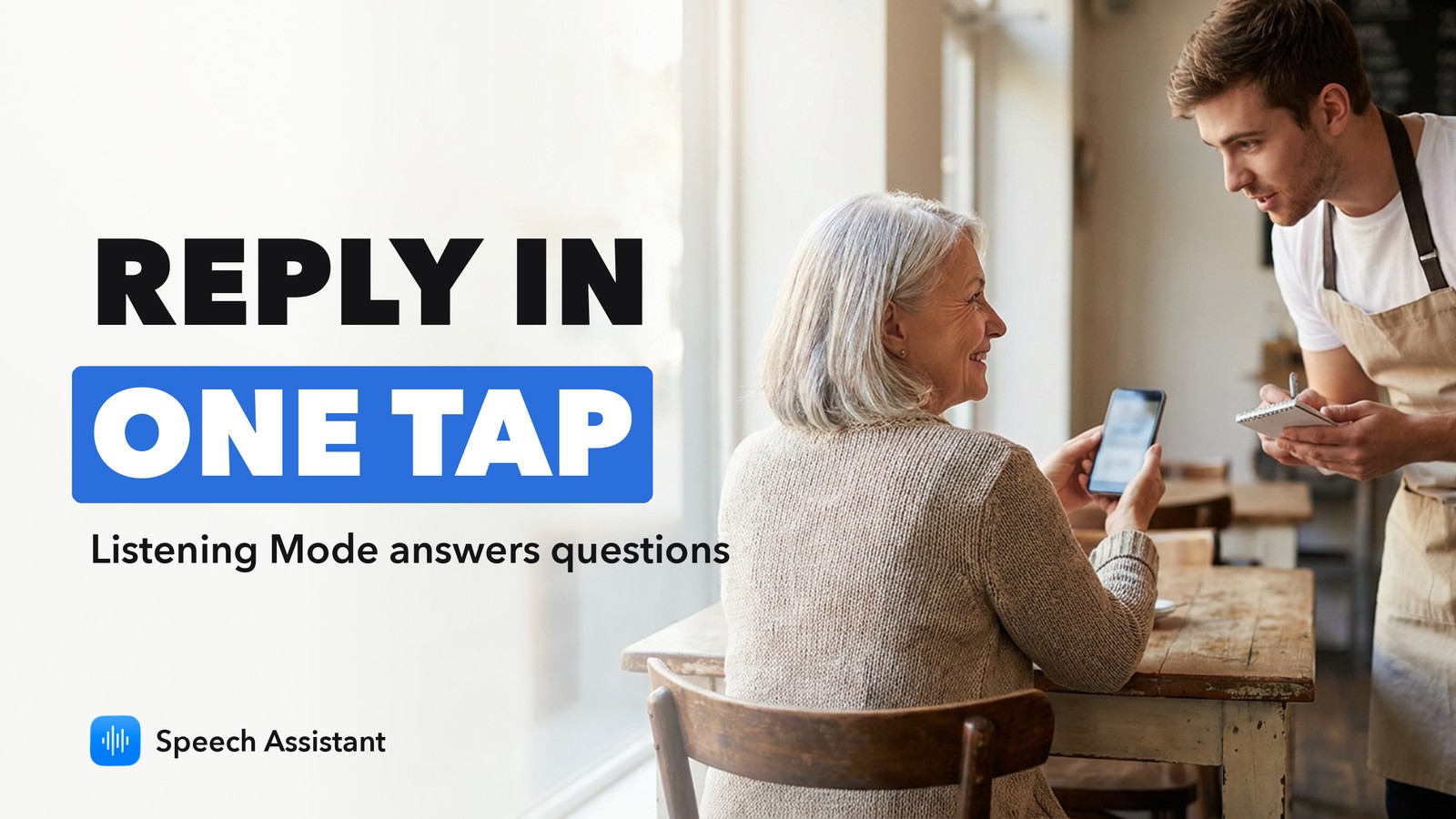
Listening Mode in Speech Assistant: reply faster when someone asks you a question
Speech Assistant's Listening Mode hears a question asked near you and suggests short replies you can speak with one tap.
November 2026 · 2 min read
How to choose an AAC app: 8 questions to ask, and where Speech Assistant fits
Eight plain questions to ask before you pick an AAC app, from vocabulary and voice to offline use and your therapist's input.
November 2026 · 2 min read
Text to speech software: the 5 types, and where Speech Assistant fits
Text to speech software comes in five types: built-in features, reader apps, voice-over tools, screen readers and apps that speak for you. Which one you need.
November 2026 · 3 min read
What's new in Speech Assistant 1.9
Speech Assistant 1.9 makes typing to talk faster: it speaks each word as you type, expands shortcuts into phrases, and adds Italian, Portuguese and Dutch.
November 2026 · 2 min read
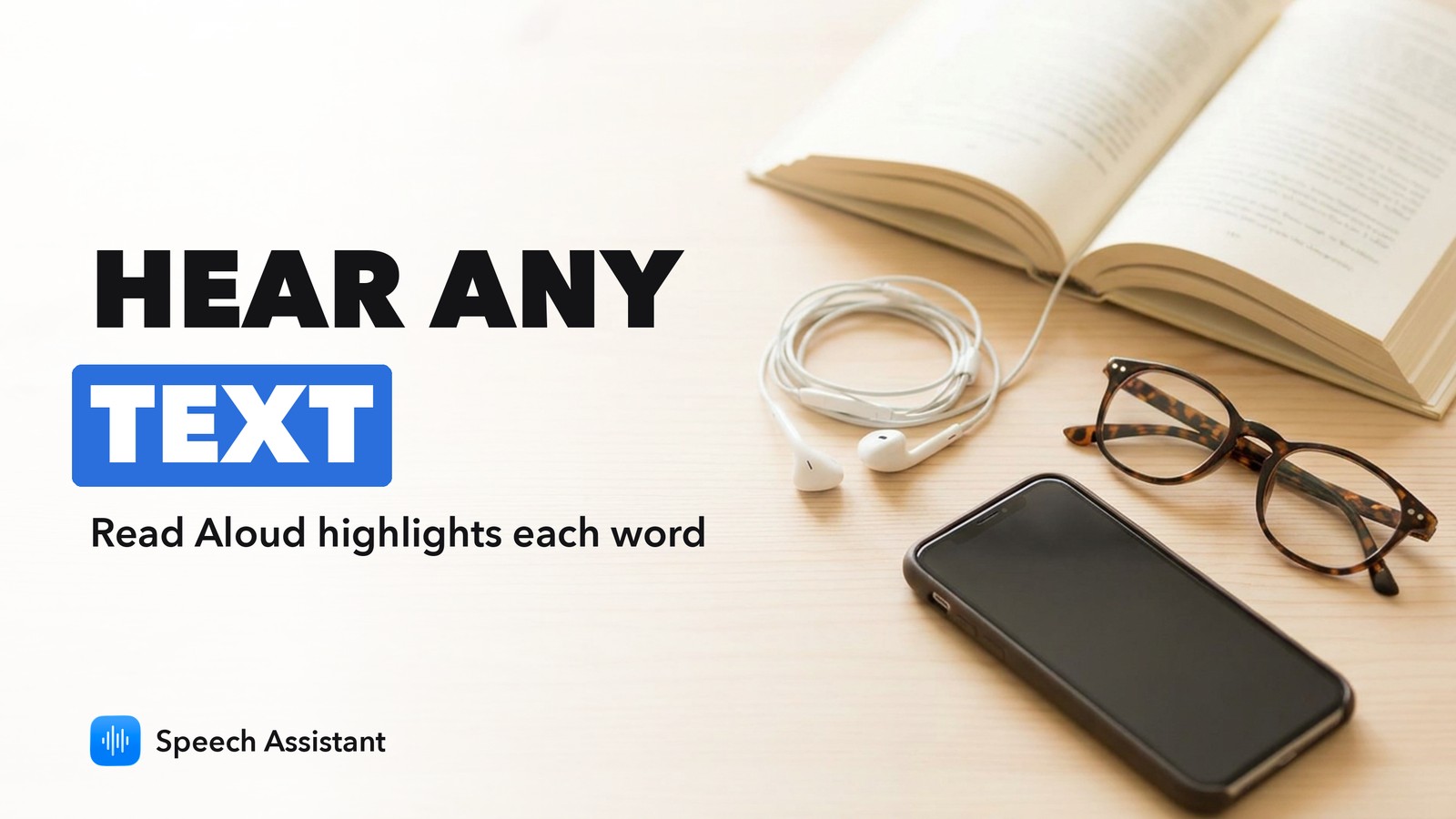
Read Aloud in Speech Assistant: hear any text spoken, with each word highlighted
Scan a page, paste text or import a PDF into Speech Assistant and hear it read aloud, with every word highlighted as it is spoken.
November 2026 · 2 min read
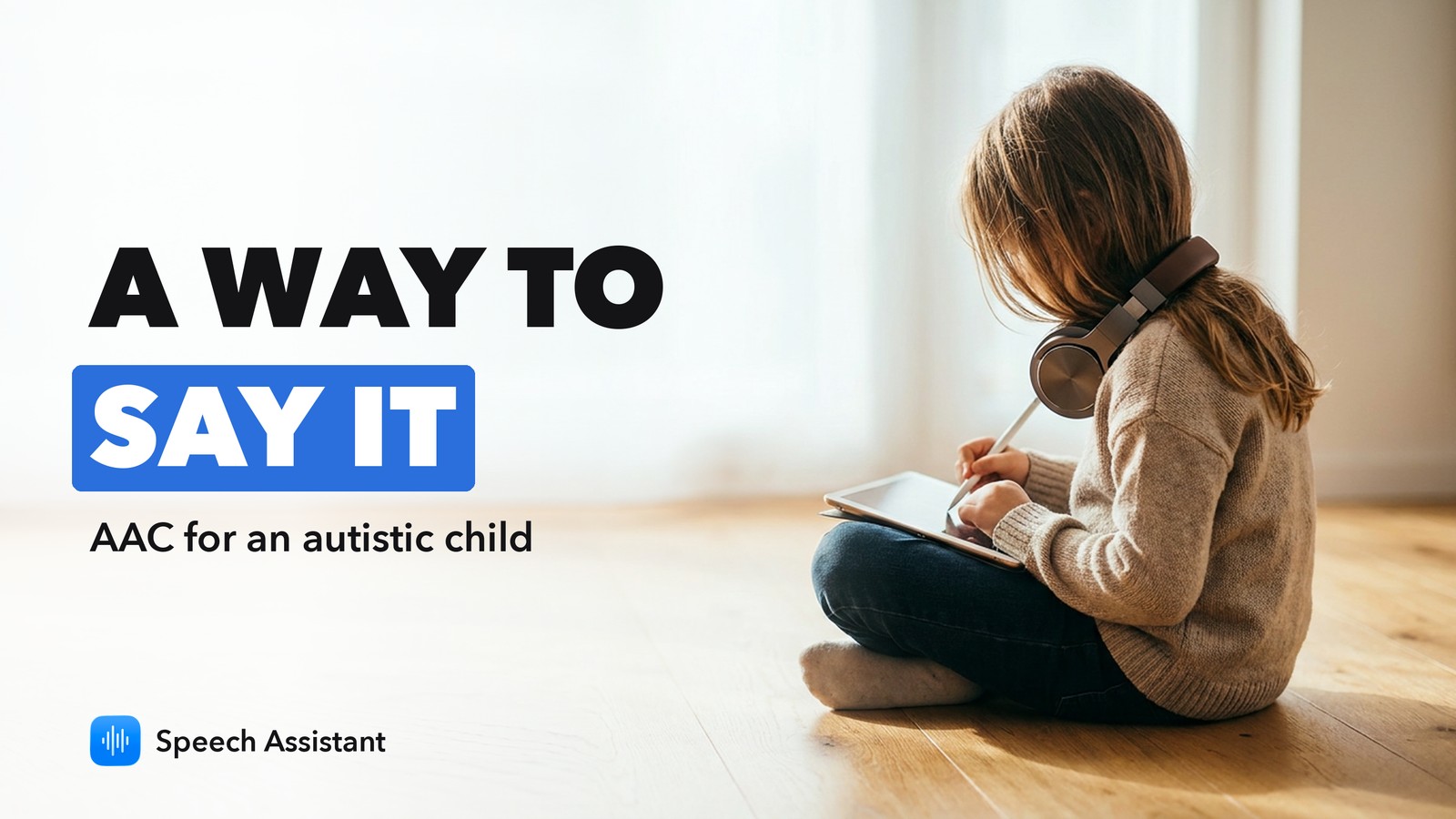
AAC app for an autistic child: what to look for, with Speech Assistant
What to look for in an AAC app for an autistic child: core words in fixed places, room to grow, locked editing and daily modeling, and how to start free with Speech Assistant.
November 2026 · 3 min read
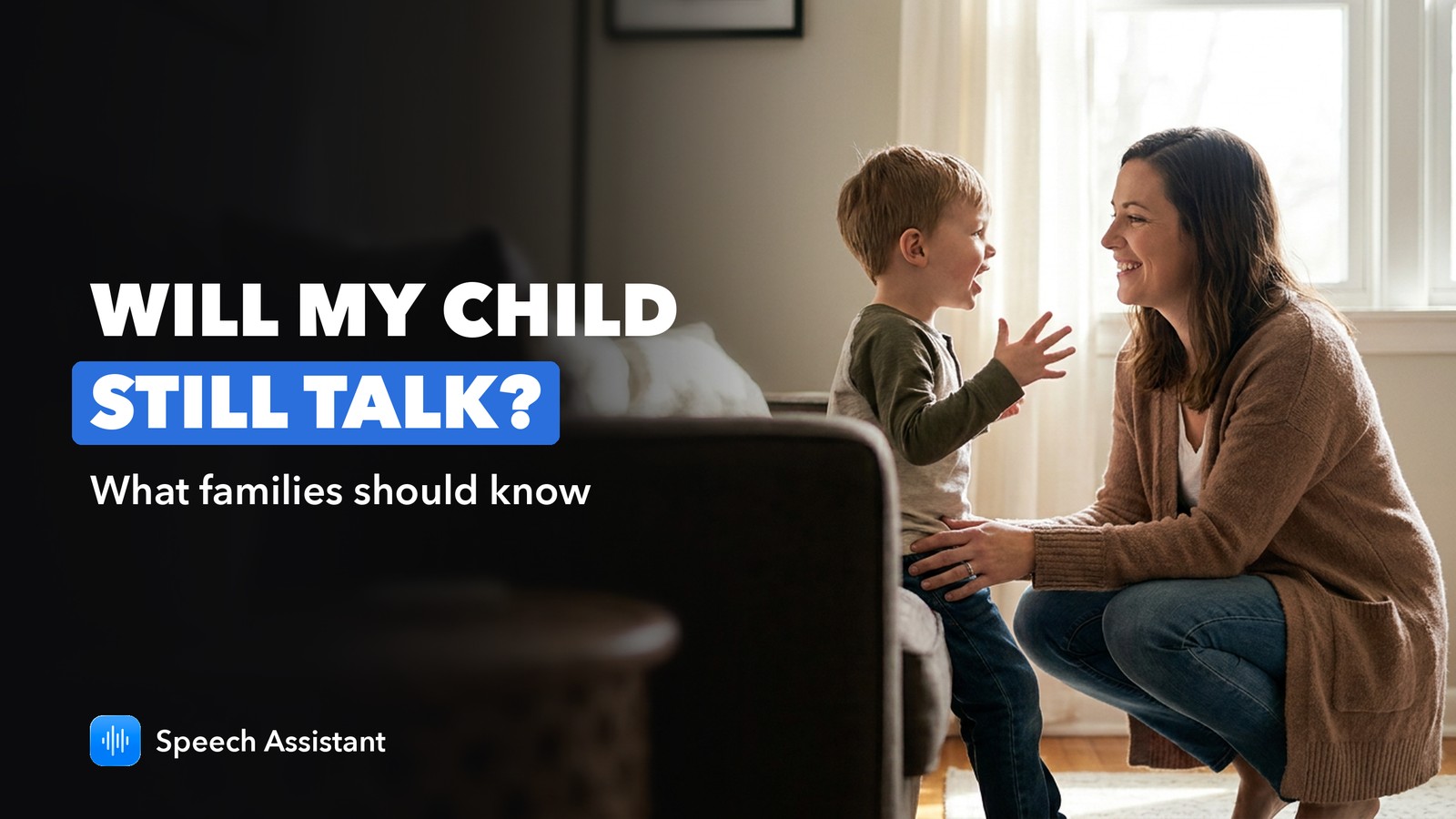
Will AAC stop my child from talking? What families should know, from Speech Assistant
A common worry, answered plainly: research has consistently found AAC does not hold back speech. Why that is, and how to use AAC so speech has room to grow.
November 2026 · 2 min read
Caregiver mode and a PIN in Speech Assistant: keep the AAC board the way you set it
Switch Speech Assistant to User mode and add a 4-digit Caregiver PIN, so boards and settings stay exactly as you set them.
November 2026 · 2 min read
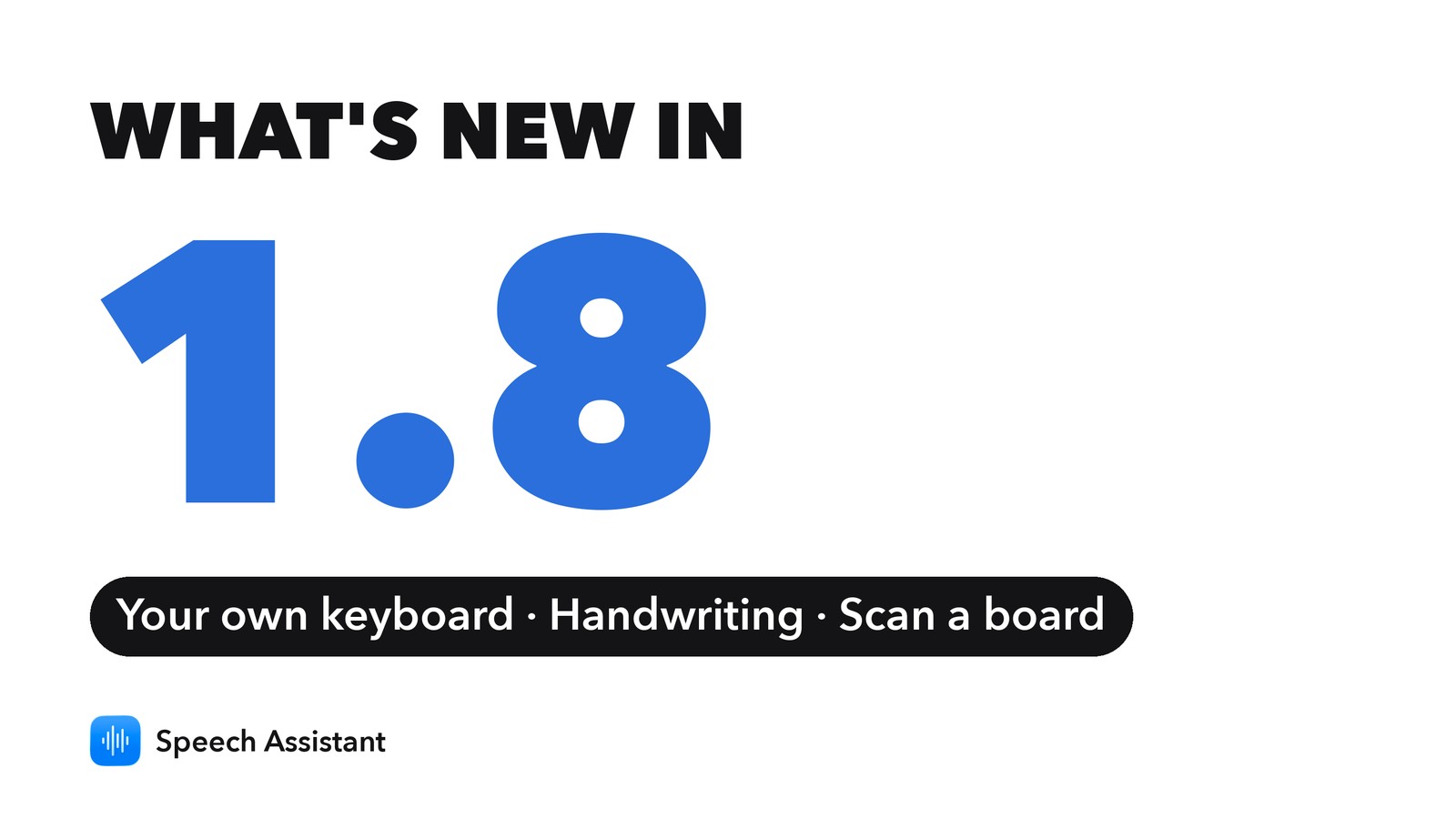
What's new in Speech Assistant 1.8
Speech Assistant 1.8 lets you use your own keyboard, speak what you write by hand, and turn a paper board into an app board.
November 2026 · 2 min read
Natural voices in Speech Assistant: how to choose and use one
Give every phrase on your boards a lifelike voice in Speech Assistant: how to pick a voice, apply it, and what it speaks.
October 2026 · 3 min read
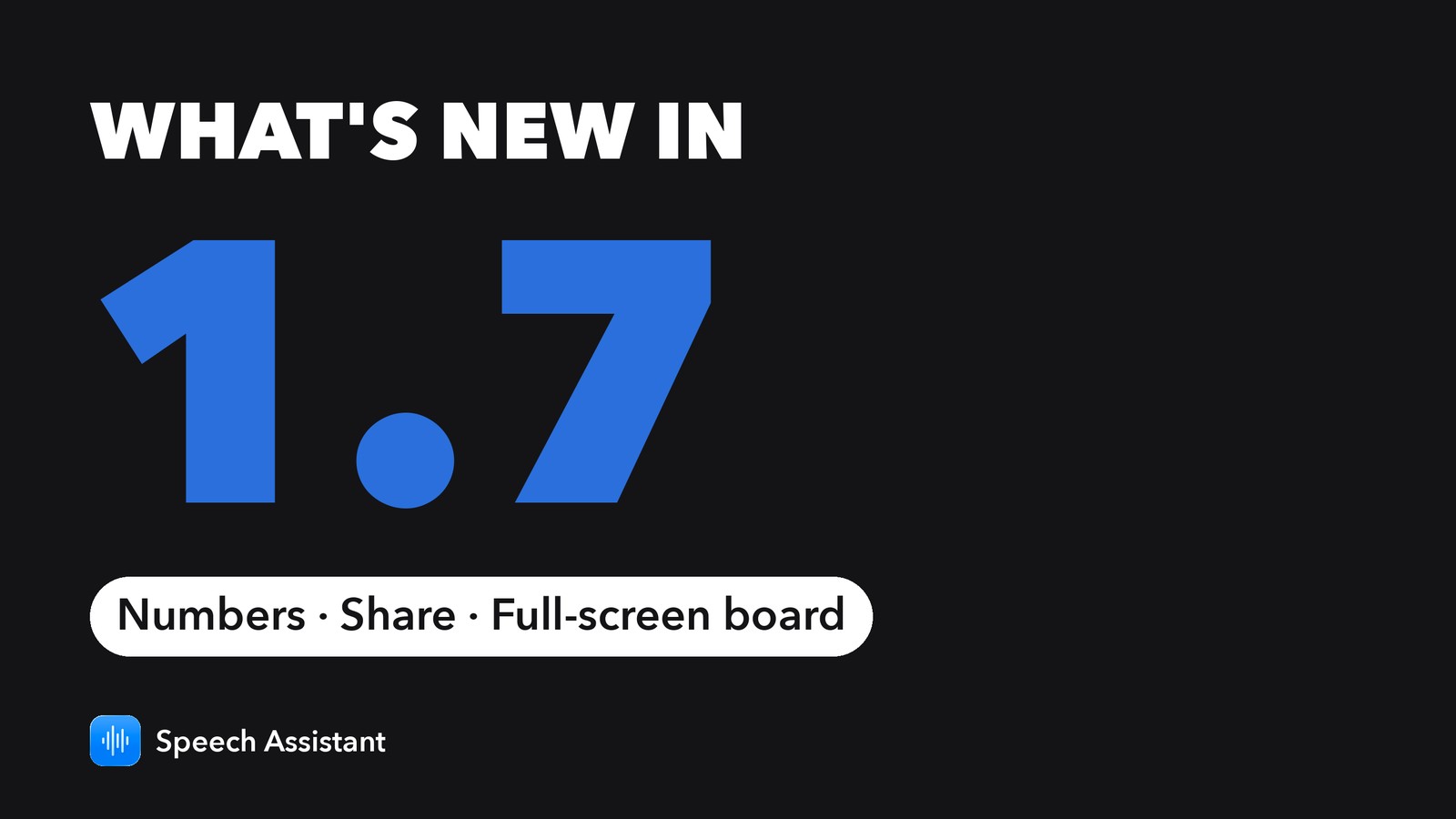
What's new in Speech Assistant 1.7
Speech Assistant 1.7 adds numbers and punctuation to the keyboard, a Share button for typed messages and a full-screen board, and makes the therapy tools easier to find.
October 2026 · 2 min read
AAC device vs iPad: cost, volume and benefits, a Speech Assistant guide
Dedicated AAC devices often cost thousands; an iPad costs a fraction. What you get for the price, how to make an iPad loud enough to be heard, and when a dedicated device is still worth it.
October 2026 · 3 min read
Dysarthria, apraxia or aphasia? The difference in plain words, from Speech Assistant
Aphasia affects language, dysarthria affects the speech muscles, apraxia affects planning the movements. How to tell them apart, and how AAC can help with each.
October 2026 · 2 min read
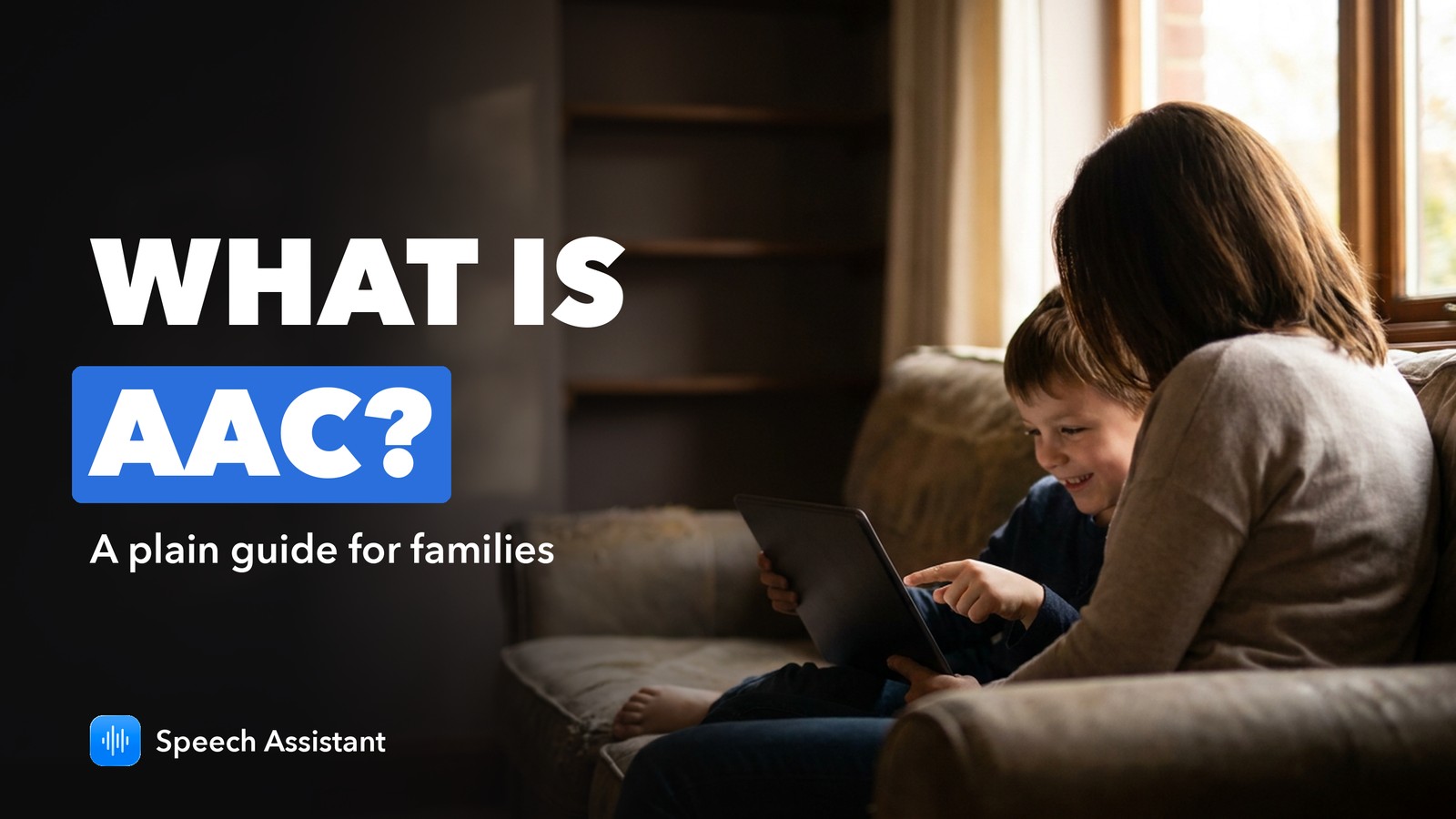
What is AAC? A plain-language guide for families, from Speech Assistant
AAC means any way to communicate besides speech: gestures, picture boards, letter boards or a speaking app. Who uses it, the main types and common myths.
October 2026 · 2 min read
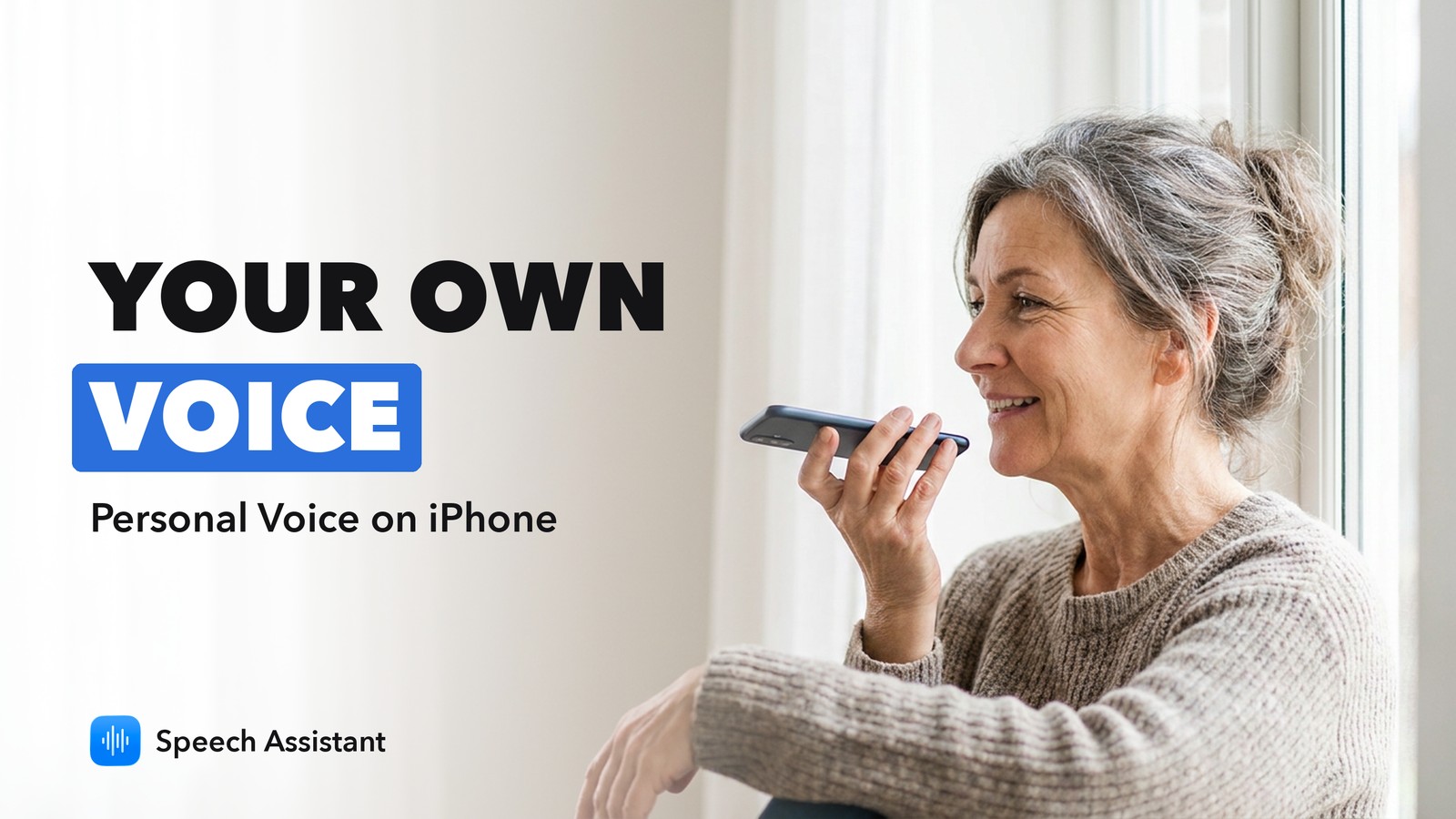
How to use Personal Voice on iPhone: speak in your own voice with Speech Assistant
Create Personal Voice on iPhone in 10 phrases, then let Speech Assistant speak every tile and sentence in it, free and offline.
October 2026 · 3 min read
Gestalt language processing and AAC, in plain words: a Speech Assistant guide
Some children learn language in whole phrases before single words. What gestalt language processing means, the signs, and how AAC like Speech Assistant can support it.
October 2026 · 2 min read
What's new in Speech Assistant 1.6
Speech Assistant 1.6 makes every tile easier to read and gives iPad a board that grows with the screen.
October 2026 · 1 min read
Text-to-speech app that works offline on iPhone: Speech Assistant
Speech Assistant speaks typed text and picture tiles offline on iPhone and iPad with the built-in voices and Personal Voice. What works without internet and what doesn't.
October 2026 · 2 min read
Free AAC app for adults: what Speech Assistant gives you without paying
A free AAC app for adults with limited speech on iPhone and iPad: what's free in Speech Assistant, what works offline, and who it suits.
October 2026 · 2 min read
Echolalia and AAC: what it means and how to respond, a Speech Assistant guide
Echolalia is repeating words or phrases heard before. It is common in autism and often means something. How to respond, and how an AAC app like Speech Assistant can fit in.
October 2026 · 2 min read
Core words for AAC: the first words to teach, with Speech Assistant
Core words are the small set of words we use most: want, more, stop, help, go. Which to start with, how to teach them and how Speech Assistant's Core Words board is laid out.
October 2026 · 2 min read
Communication boards for adults: a simple guide from Speech Assistant
What to put on a communication board for an adult after a stroke, with ALS or in hospital, paper or app, and how Speech Assistant speaks it aloud.
October 2026 · 3 min read
AAC Awareness Month 2026: 6 easy ways to take part, from Speech Assistant
October is AAC Awareness Month. Six small things families, schools and therapists can do this month, with ideas you can try in Speech Assistant.
October 2026 · 2 min read
AAC app or dedicated speech device? Choosing, with Speech Assistant as a free start
When an AAC app on an iPhone or iPad is enough, when a dedicated speech-generating device is better, and how to try AAC for free with Speech Assistant first.
October 2026 · 2 min read
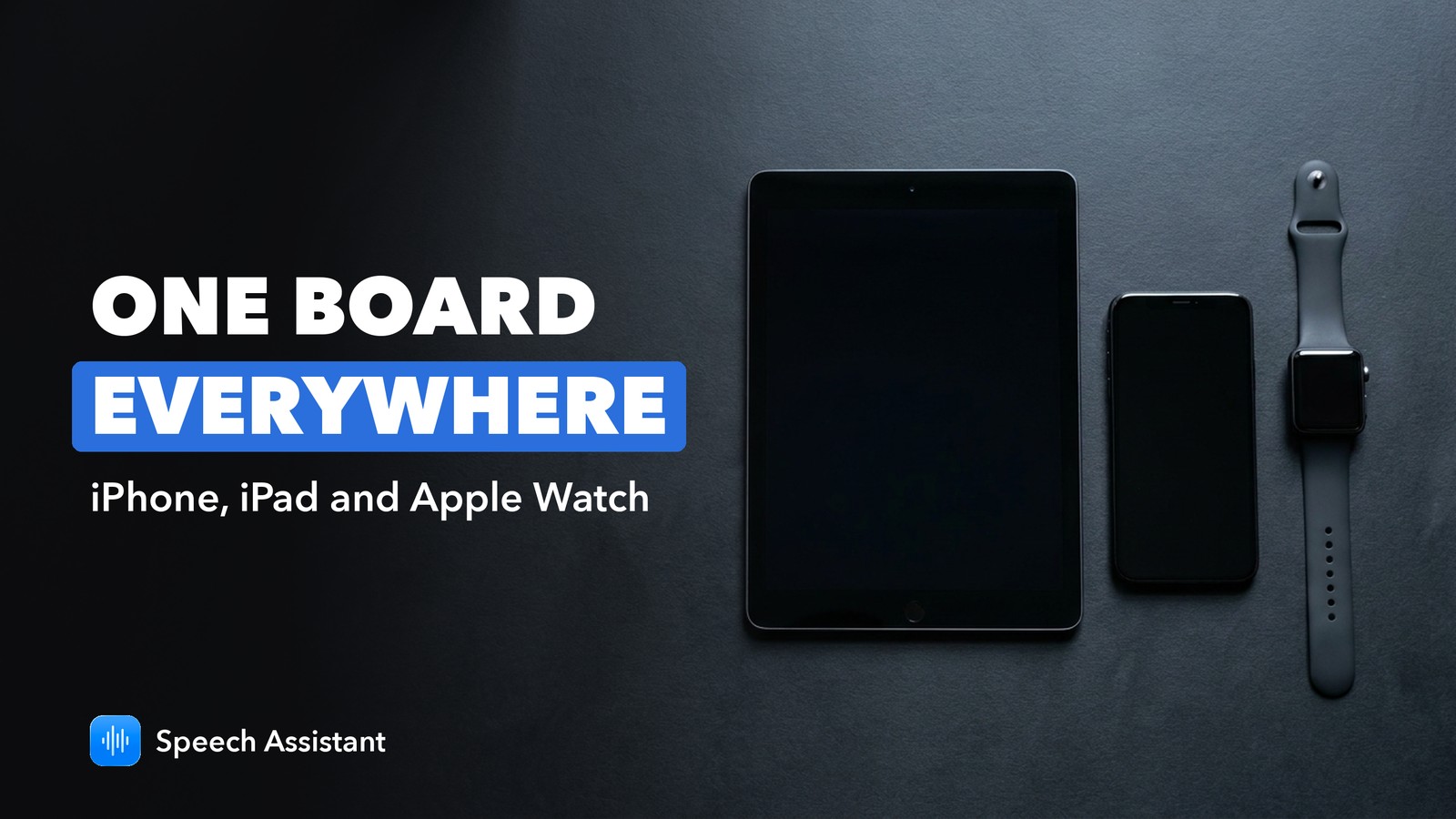
AAC on iPhone, iPad and Apple Watch: one board everywhere with Speech Assistant
Speech Assistant is an AAC app that works on iPhone, iPad and Apple Watch with the same boards on each. How sync works and which device suits which moment.
October 2026 · 2 min read
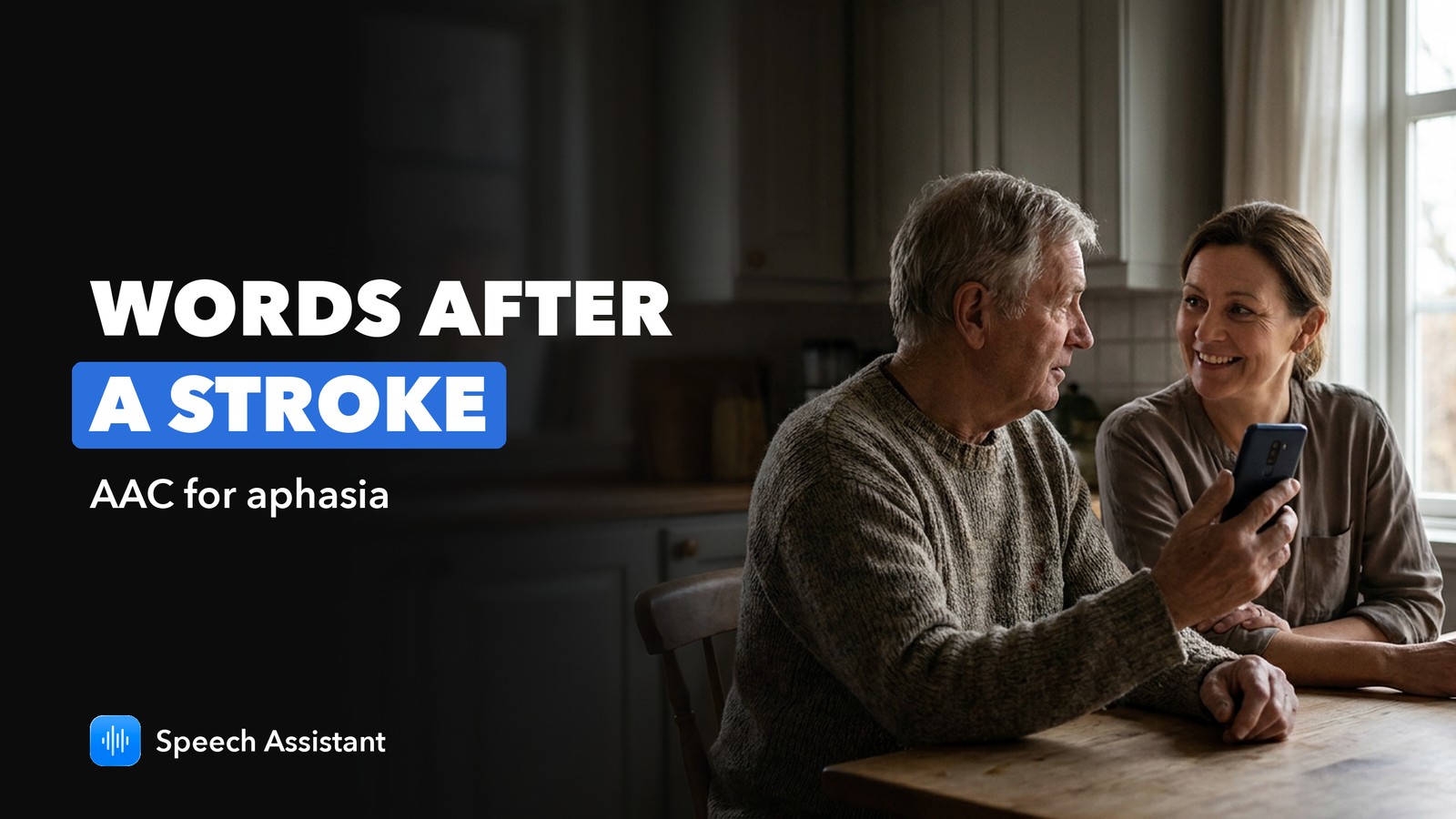
AAC app for aphasia after a stroke: how Speech Assistant helps
Aphasia after a stroke makes finding words hard. Ready-made phrases, pictures, reply suggestions and Read Aloud in Speech Assistant can make everyday conversation faster.
October 2026 · 2 min read
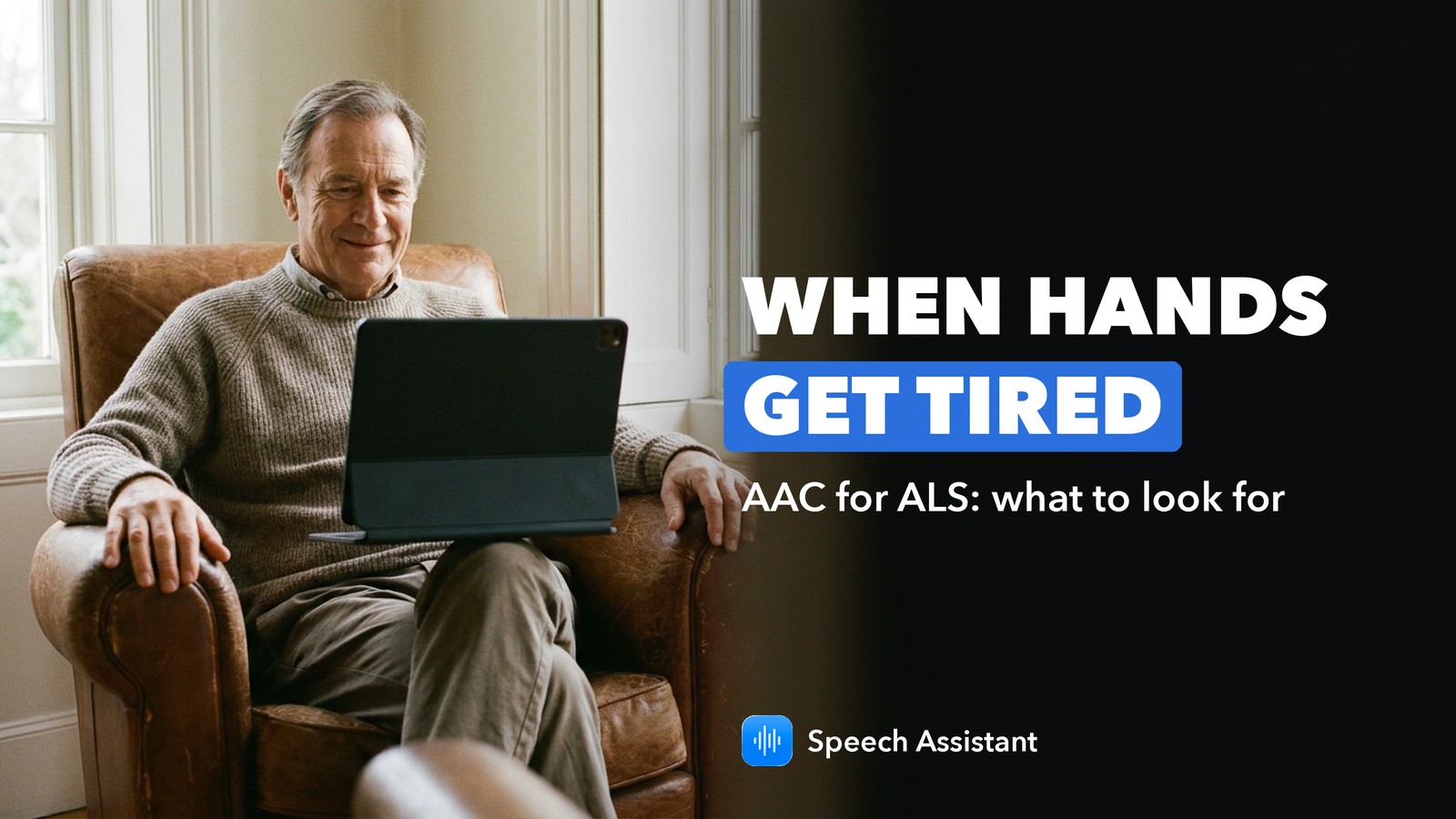
AAC app for ALS and limited motor control: what to look for in Speech Assistant
What matters in an AAC app for ALS/MND and limited hand movement, and how Speech Assistant covers typing, saved phrases, your own voice and hands-free head tracking.
October 2026 · 2 min read
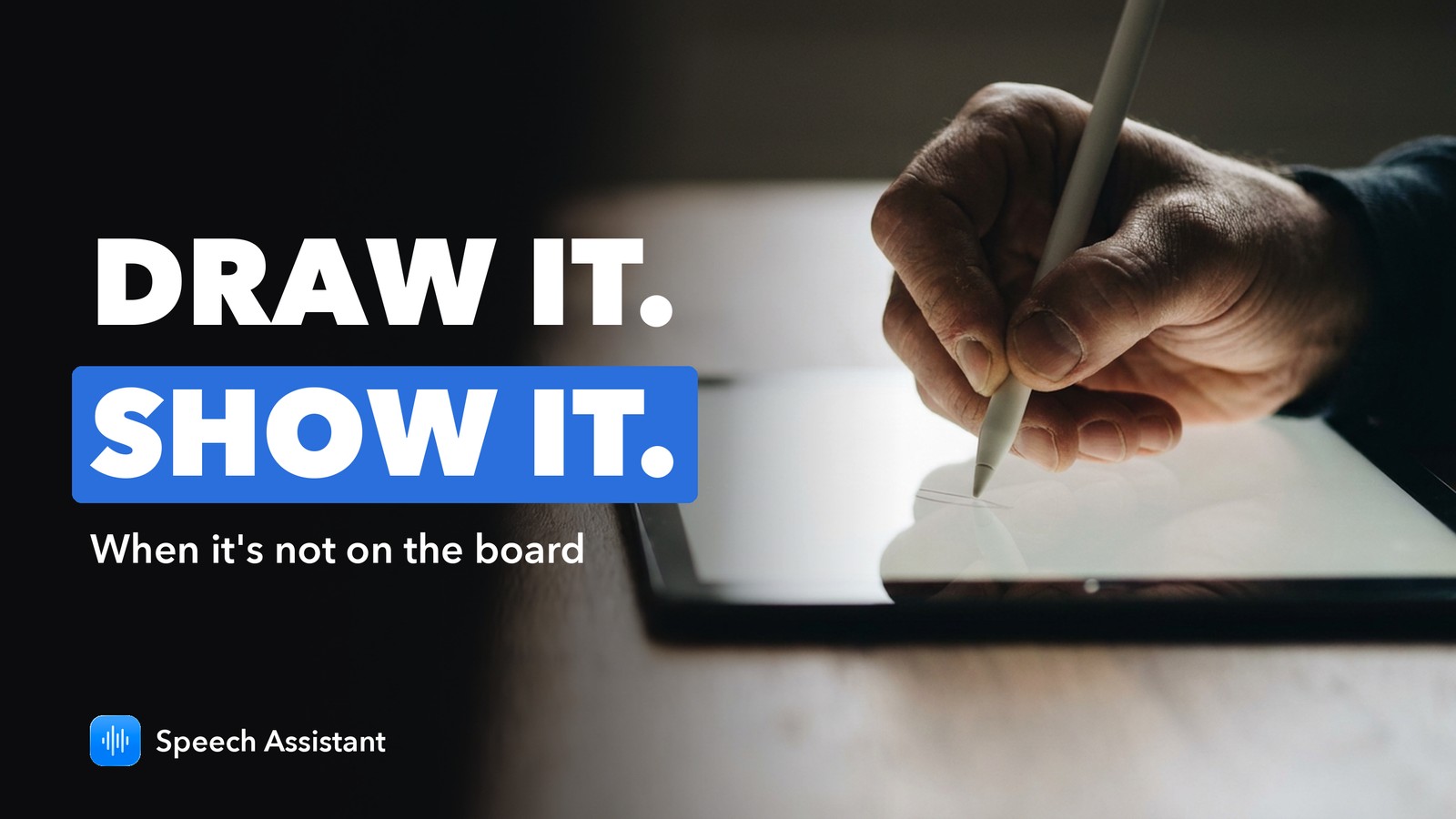
Speech Assistant whiteboard: draw it when it's not on the AAC board
When a word isn't on the board, draw it in Speech Assistant's free whiteboard and tap Show to turn it to the other person.
October 2026 · 2 min read
What's new in Speech Assistant 1.5
Speech Assistant 1.5 brings Read Aloud, speech therapy tools, a keyboard that learns, full-screen messages and Spanish, French and German.
October 2026 · 2 min read
What's new in Speech Assistant 1.4
Speech Assistant 1.4 adds Listening Mode, a whiteboard, Personal Voice, natural voices and new symbols.
September 2026 · 2 min read
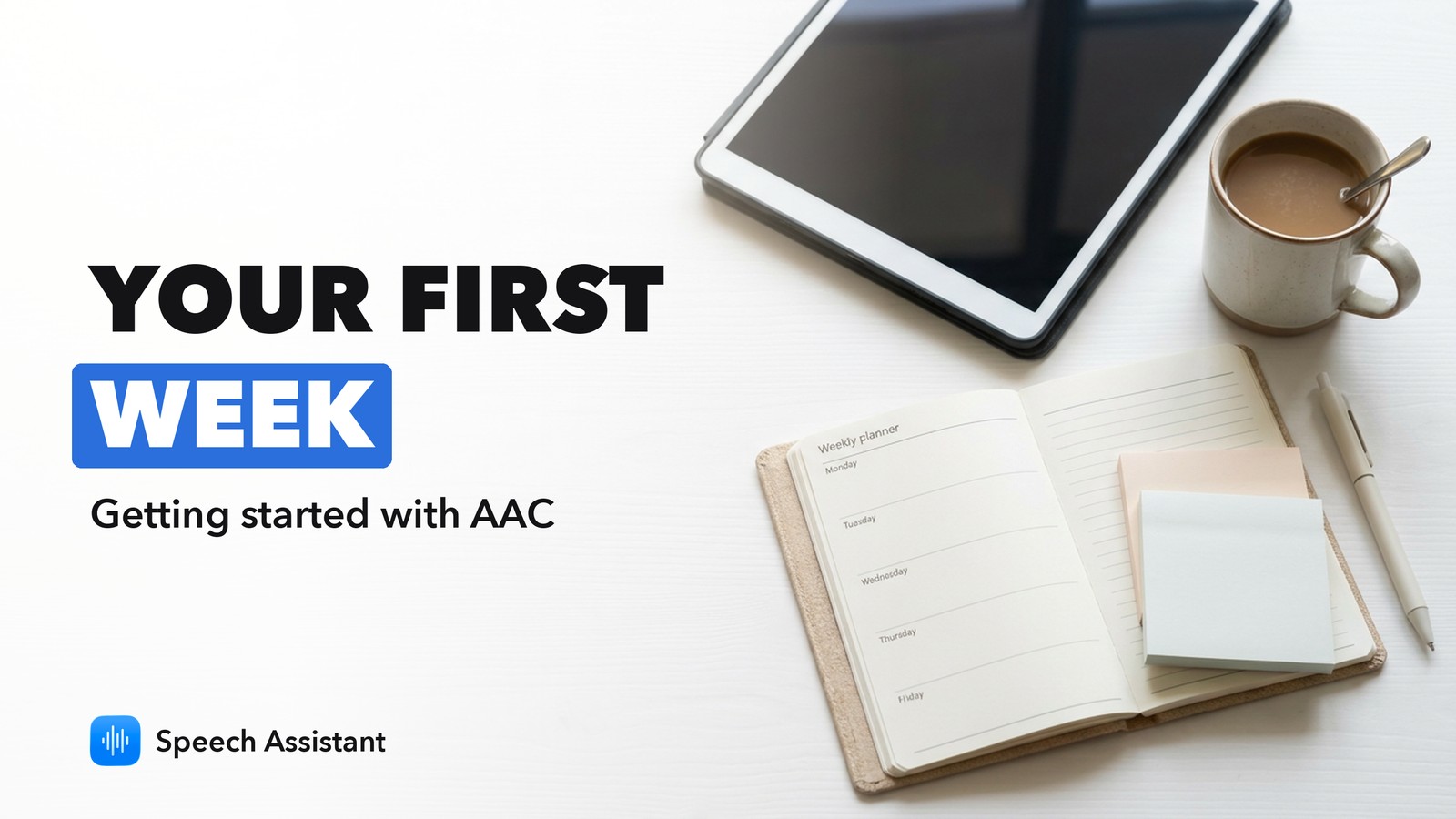
Getting started with AAC in Speech Assistant: your first week
A short day-by-day plan for a child's first week with AAC in Speech Assistant: which core words to start with, how to model them, and what to skip at first.
June 2026 · 3 min read

Head tracking in Speech Assistant: hands-free AAC explained
Use Speech Assistant without touching the screen: what head tracking needs, how dwell selection works, and the two settings to adjust.
June 2026 · 3 min read
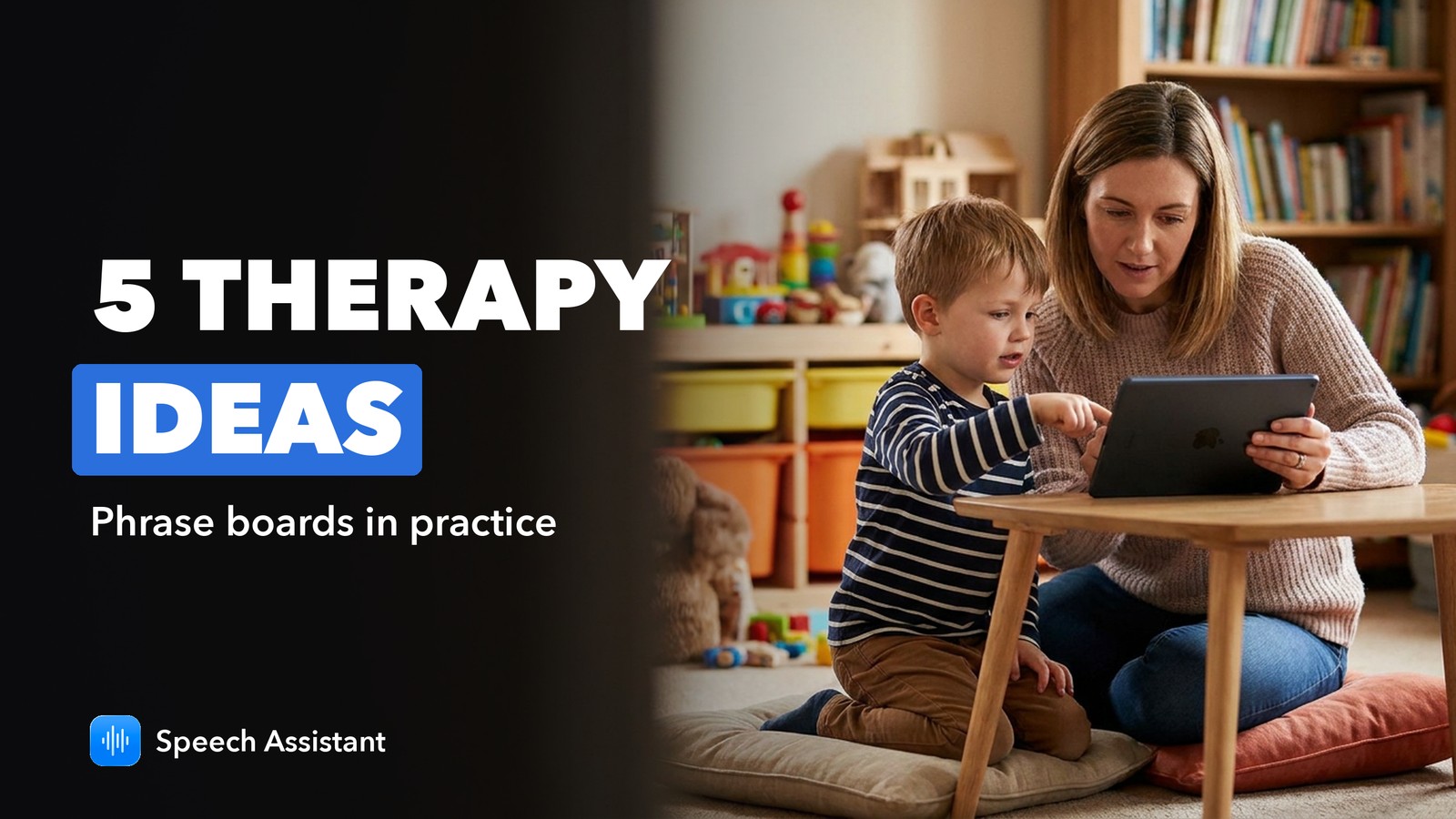
5 ways speech therapists use phrase boards in Speech Assistant
Five practical ways speech-language therapists use AAC phrase boards in sessions, and how to set up each one in Speech Assistant on iPhone and iPad.
May 2026 · 3 min read