A complete communication system.
Everything in one app, so every conversation has a way through.
Phrase Communication
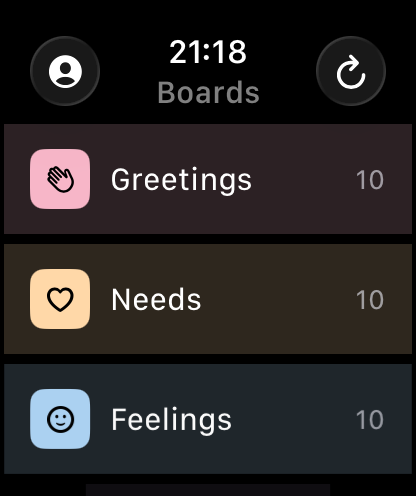
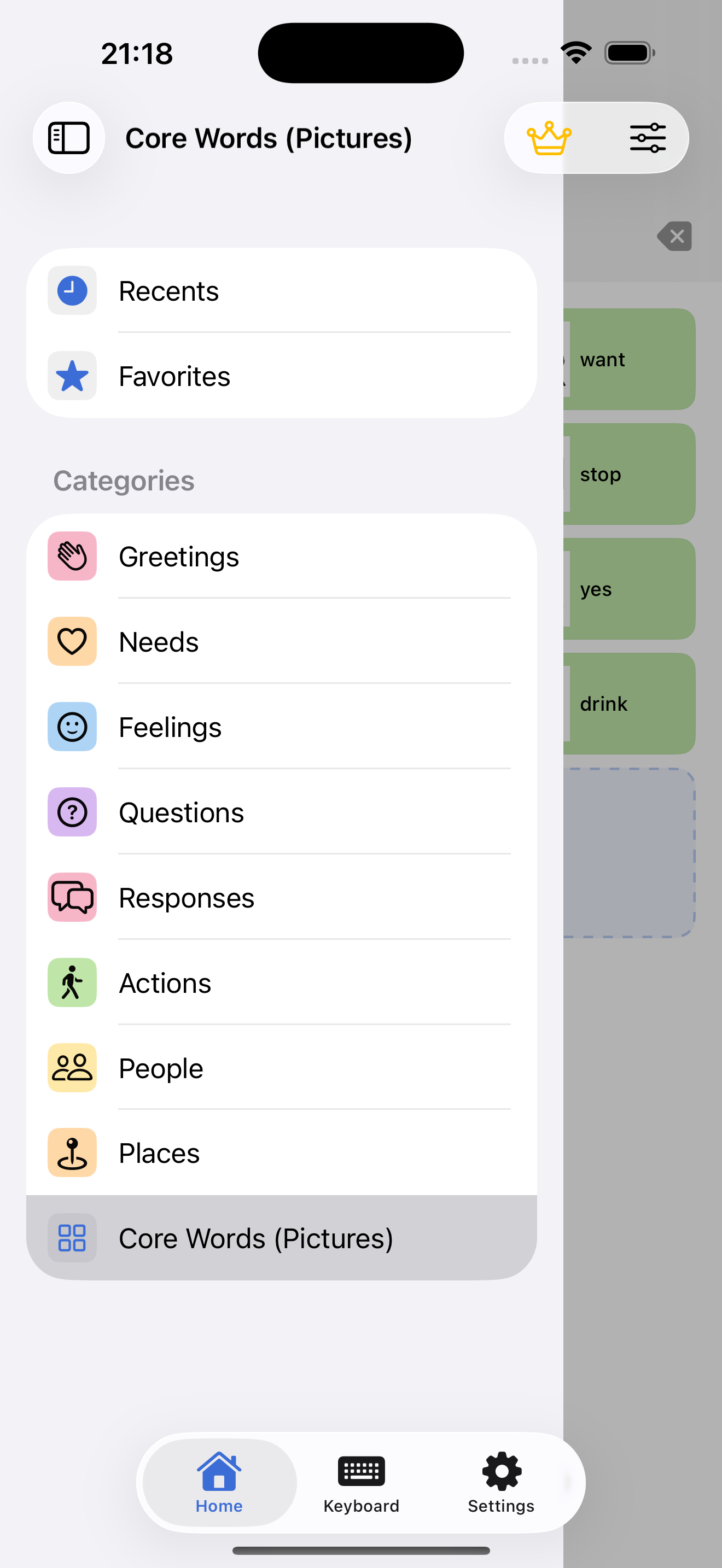
Tap a symbol tile and it is spoken straight away. Ready-made boards cover core words, needs, feelings, questions and more, with Favorites, Recents and folders. Tap several tiles to build a sentence and play it back.
Head Tracking
Move a cursor with small head movements and select a tile by holding still on it: no touch needed. Adjust sensitivity and dwell time for comfort. Works on iPhone and iPad with a TrueDepth camera, and it's free.

Listening Mode
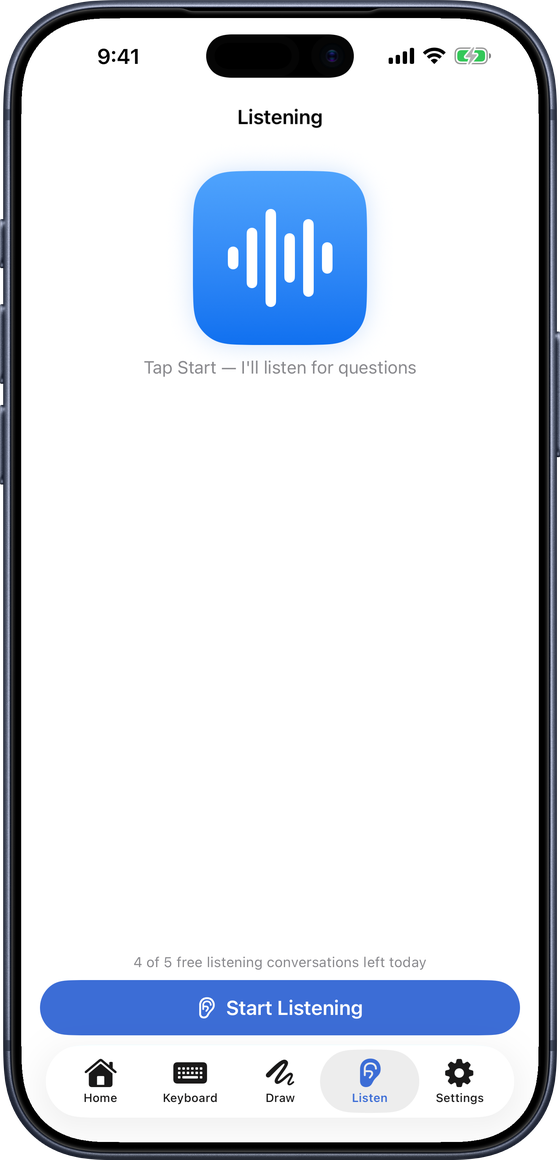
When someone asks a question, the app suggests short replies you can tap to speak. Speech is transcribed on the device and audio never leaves it. Free users get five conversations a day.
Read Aloud
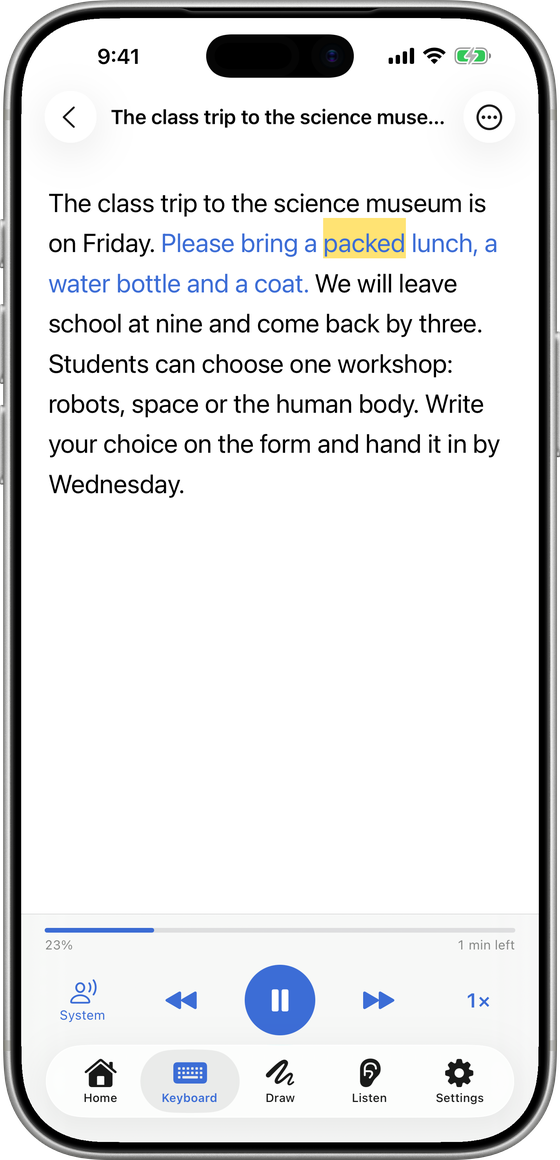
Scan a page, pick a photo or PDF, or paste any text, then hear it read aloud with each word highlighted. Choose the speed and the voice.
A Keyboard That Learns
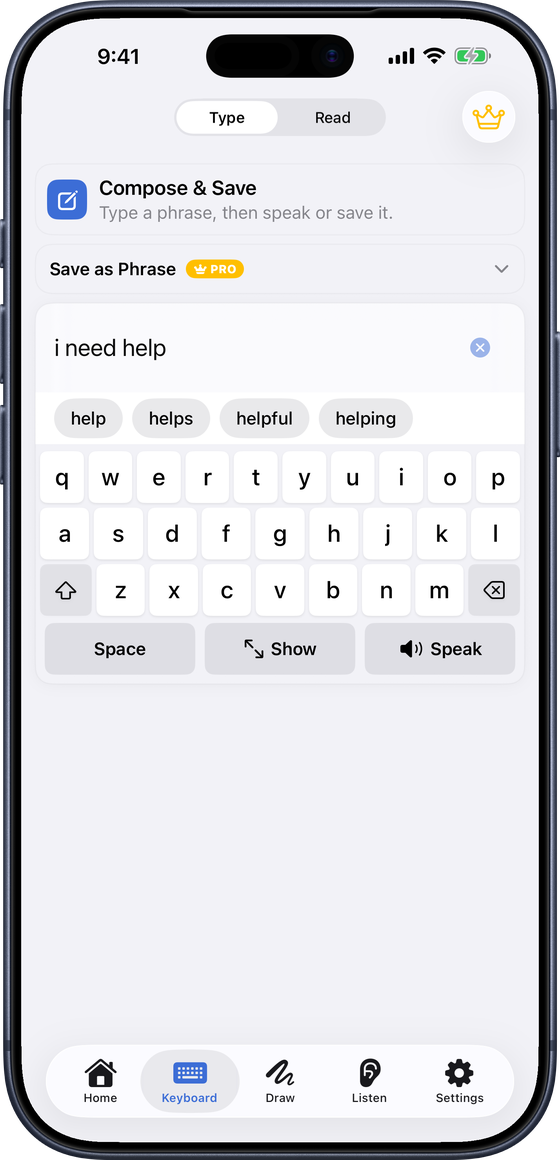
Type anything and have it spoken. Word prediction learns the words you use, a Suggested row offers the phrases you usually need at this time of day, and Show puts your message full screen for the person opposite.
Whiteboard
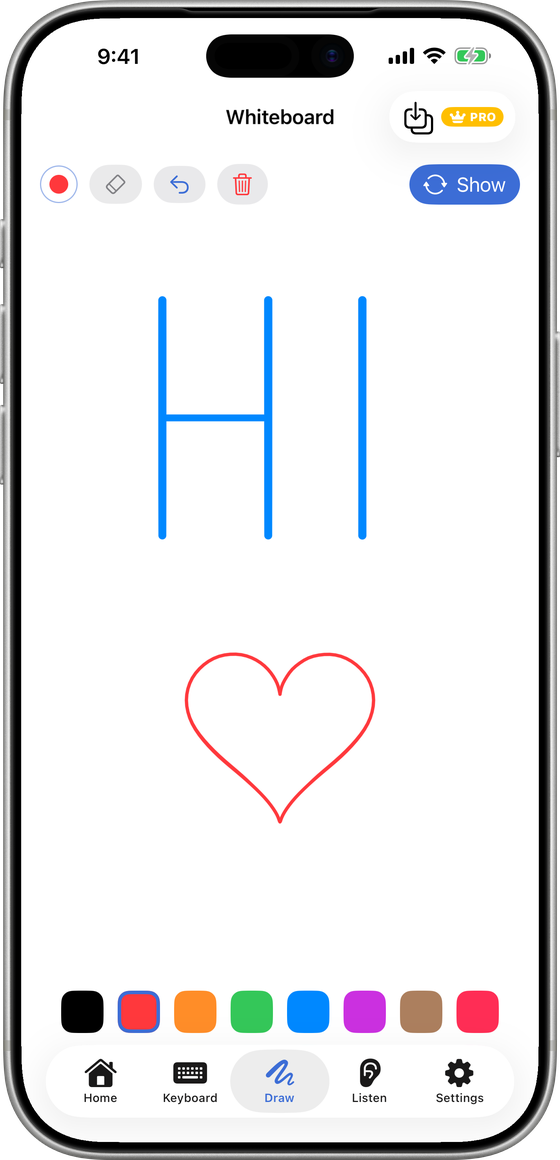
When words aren't enough, write or draw it. Show turns the drawing round to face the person sitting opposite.
Symbol Tiles
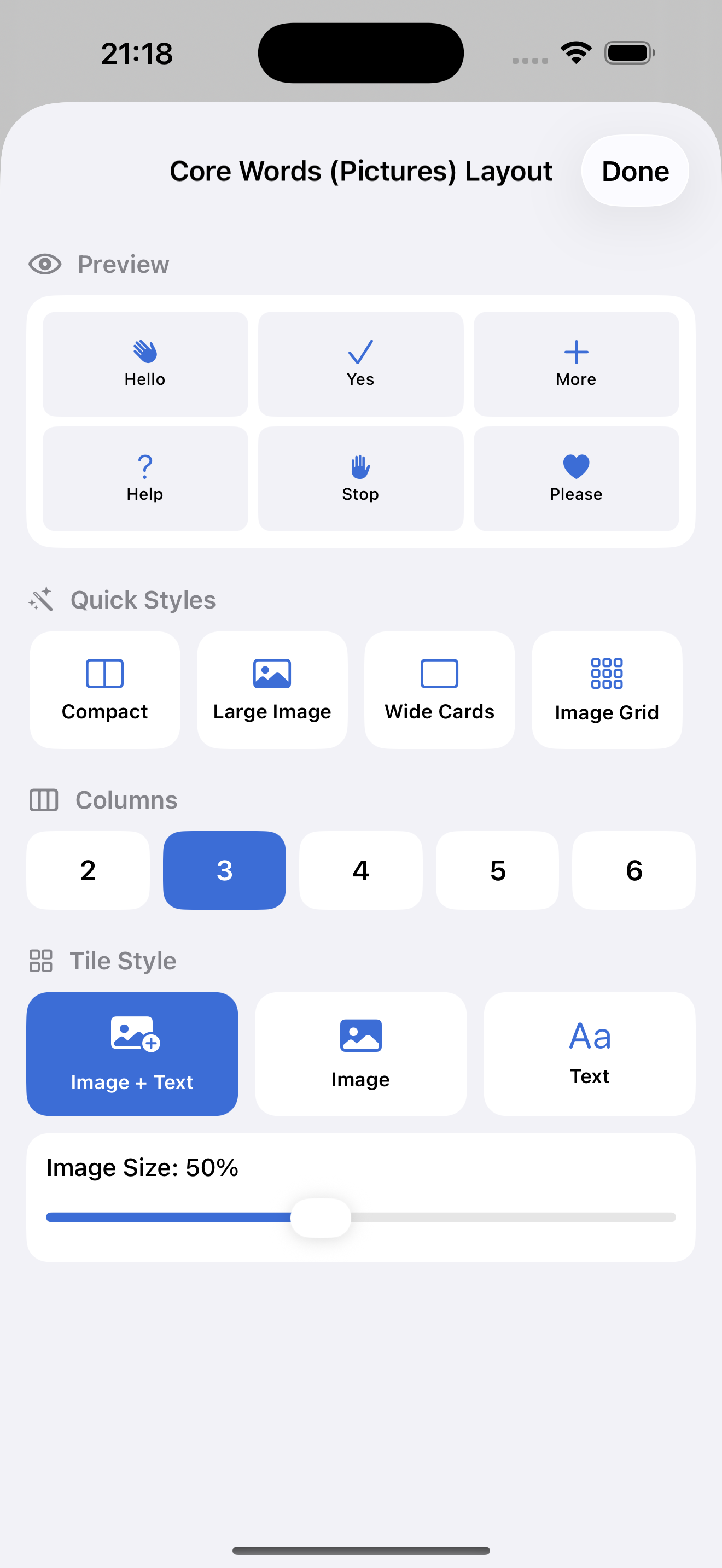
Every starter tile has a picture symbol, and core words are coloured by word type using a modified Fitzgerald Key. With Premium, add your own photos, symbols and phrases.
Voices That Sound Like Home
Choose from the iPhone's own voices, speak in your iOS Personal Voice, or record a familiar voice for any phrase. Premium adds natural-sounding voices for the whole board.

Tools for Speech Therapy
For therapists and families working on goals (Premium).
- Target words outlined on the board
- Modeling mode: show how, without skewing the numbers
- A one-page progress report to share as a PDF
Cloud Sync
Sign in with Apple and your boards sync across iPhone, iPad and Apple Watch, backed up in the cloud. Set up once, ready everywhere.

Apple Watch
Your boards on your wrist: open a category and tap a tile to speak it. Signing in on the iPhone brings the boards to the Watch.