Speech Assistant whiteboard: draw it when it's not on the AAC board
The Speech Assistant Team
October 2026 · 2 min read
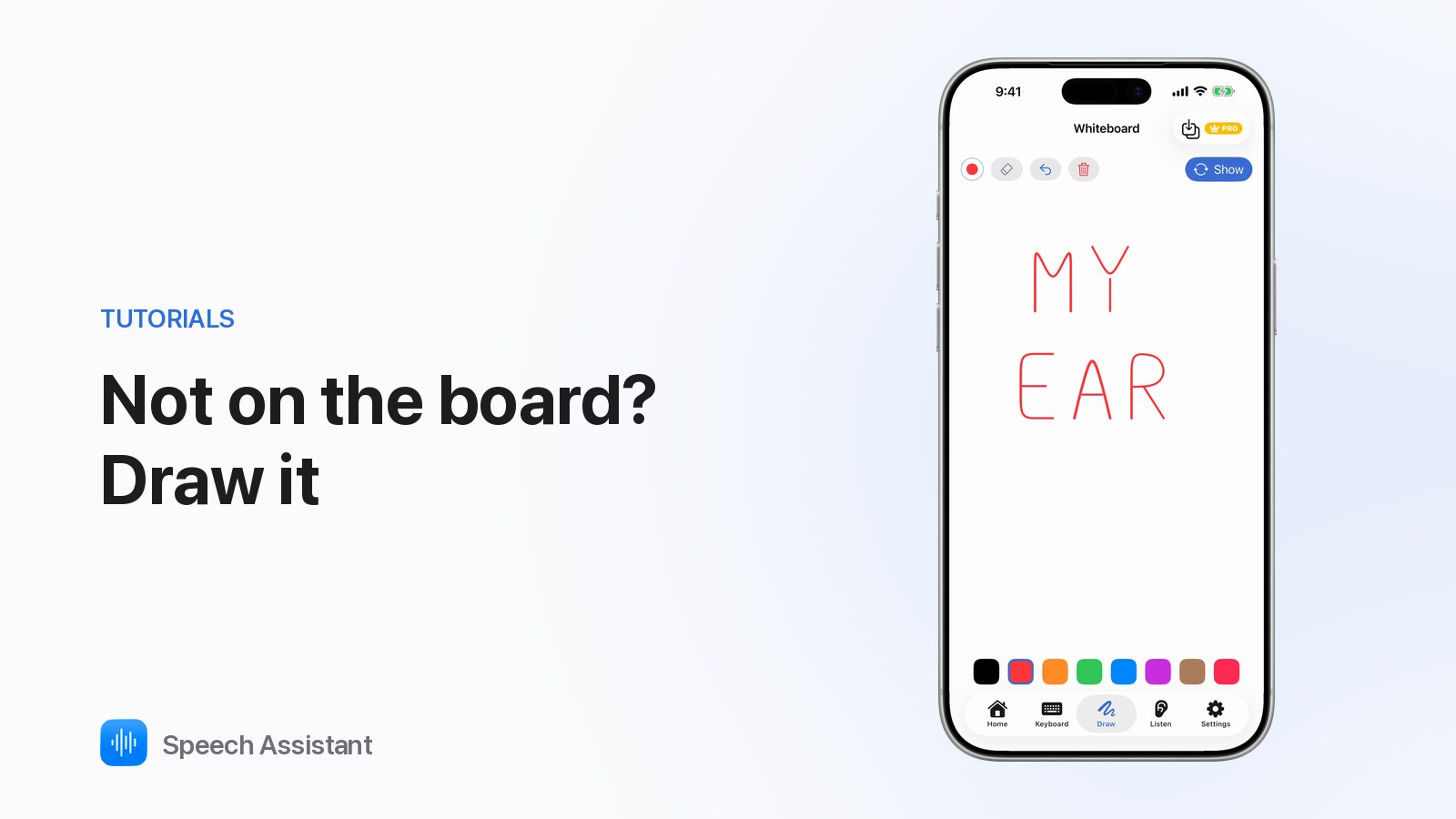
When a word isn't on your board, write or draw it. Speech Assistant's free Draw tab is a whiteboard, and Show turns it round to face the person you're talking to.
Draw It, Then Show It: an AAC Whiteboard Tip · plays from YouTube when you press play
When does it help?
Missing words: names, places, new things.
Precision: "I'm in pain", and where.
Pictures: a map, an arrow or a shape says it faster.
Wrong guesses: writing it down ends the guessing.
How do I use it?
Tap Draw in the tab bar.
Pick one of eight colours.
Write or draw with your finger. Undo, the eraser and the bin fix mistakes.
Tap Show. The drawing turns to face the other person.
Tap Done to turn it back.
Your drawing stays while you use the rest of the app.
Tips
Model it: use the whiteboard yourself when you're stuck.
Rough is fine: a circle and an arrow is enough.
Watch for repeats: a word you keep drawing belongs on the board. With Premium, Save as Tile adds it.
Can spell? The Keyboard tab speaks what you type instead.
Questions people ask
Is the whiteboard free?
Yes. Draw is free. Saving a drawing as a new tile is part of Premium.
What does Show do?
It turns the drawing 180° so the person opposite can read it. Tap Done to turn it back.
Can I use it with head tracking?
No. Drawing needs touch, so the Draw tab is hidden while head tracking is on.