Guides
AAC app or dedicated speech device? Choosing, with Speech Assistant as a free start

The Speech Assistant Team
October 2026 · 2 min read
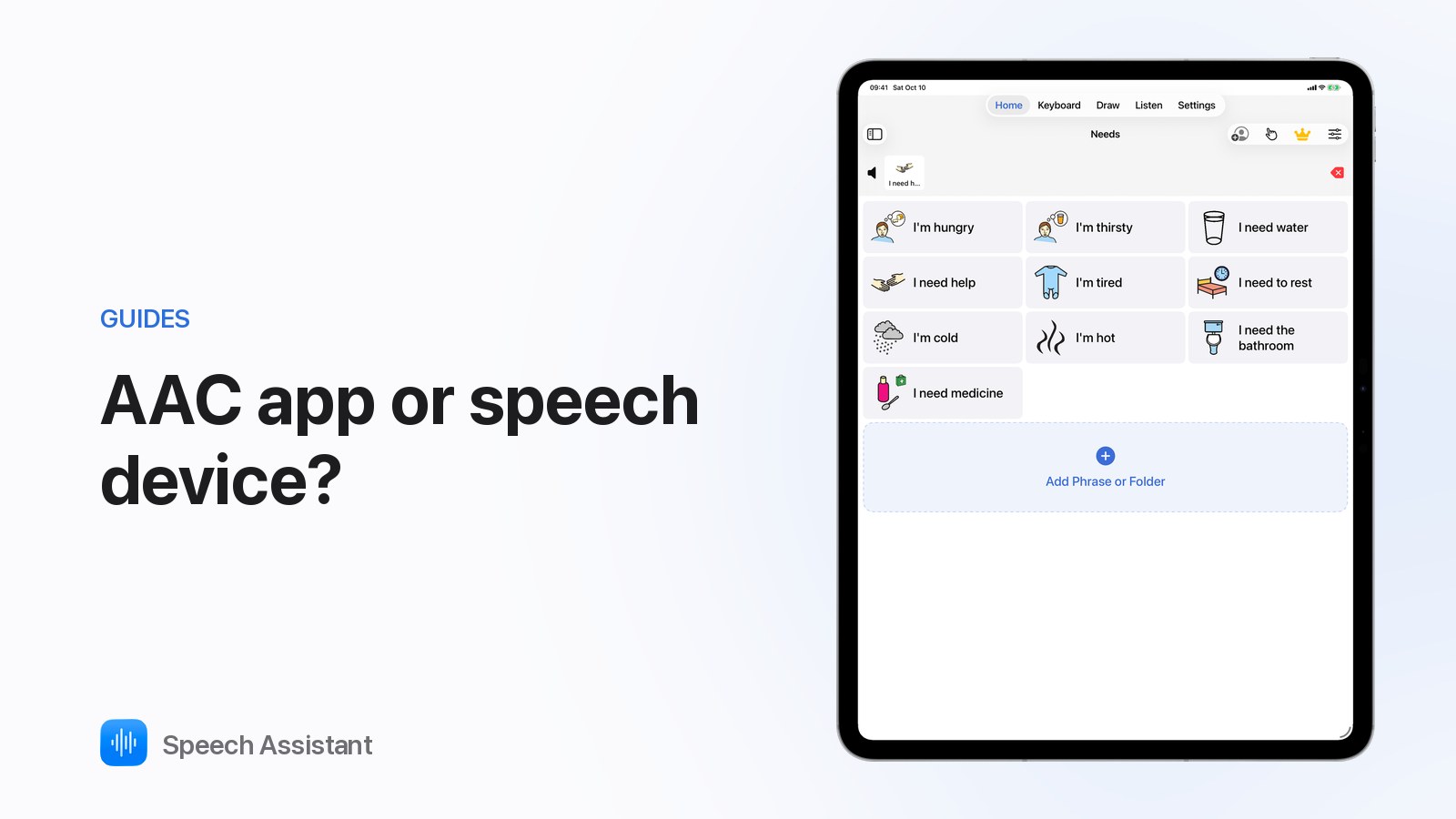
An AAC app turns an iPhone or iPad into a speech device. A dedicated speech-generating device is built only for communication. Both work; the right choice depends on access, durability and funding.

Speech Assistant is a communication tool, not a medical device.
For many people, yes. Dedicated devices make sense for eye-gaze access, heavy-duty use or when funding requires one. A therapist assessment helps decide.
Yes. Speech Assistant is free on iPhone and iPad, so you can try boards, typing and head tracking first.
It depends on the country and health system. Ask the person's speech and language therapist or local AAC service.
