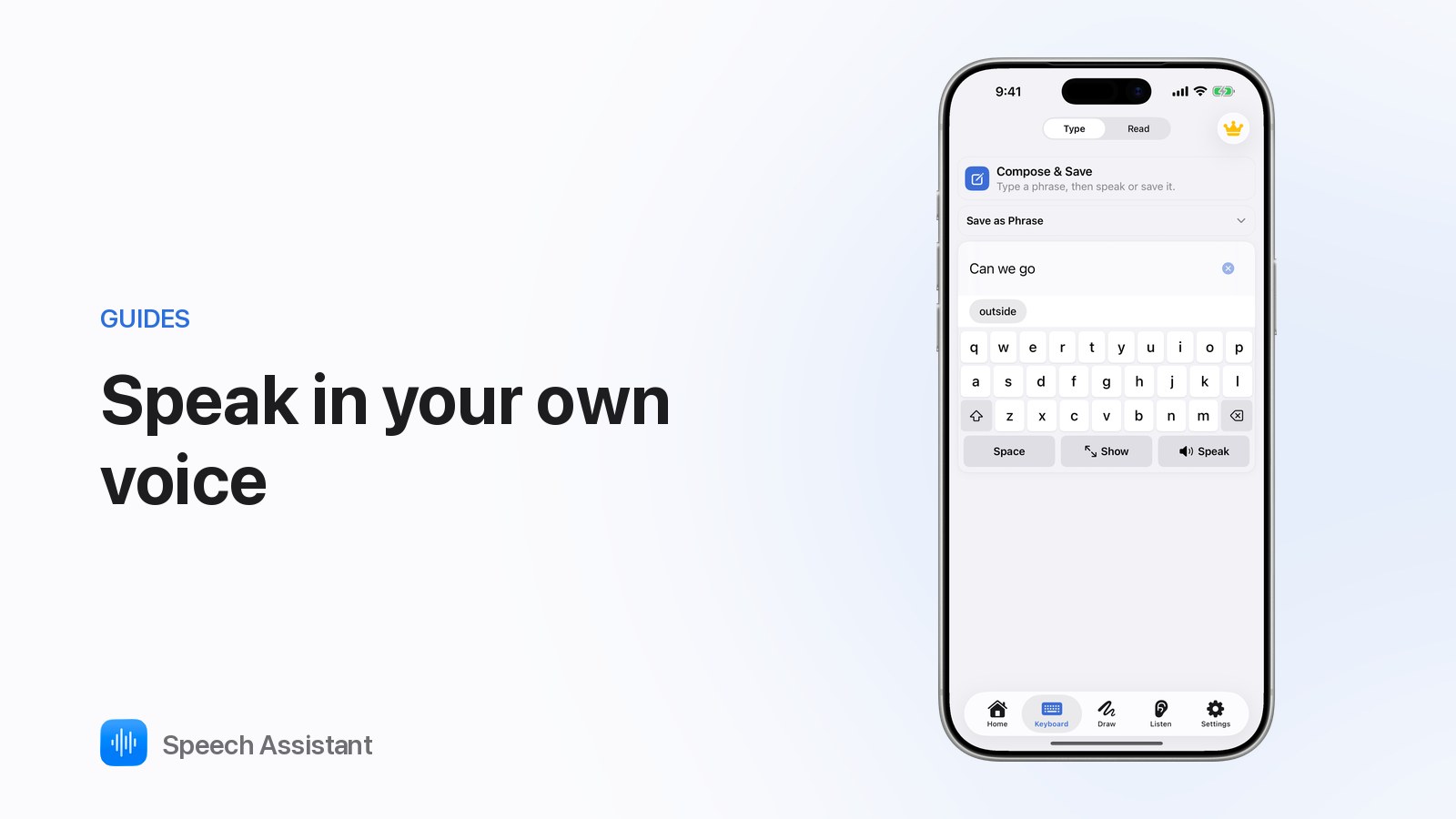
What is Personal Voice on iPhone? Speak in your own voice with Speech Assistant
The Speech Assistant Team
October 2026 · 2 min read
Personal Voice is an iPhone feature that creates a voice that sounds like you; Speech Assistant can speak every tile and typed sentence in it, free and offline.
What is Personal Voice?
An Apple accessibility feature on iPhone and iPad with iOS 17 or later.
You read a set of short phrases aloud; the device builds a voice that sounds like you.
It is created and kept on your device. Apps only use it after you allow access.
Apple's Live Speech (type and speak in calls) can use it too.
Who is it for?
People at risk of losing their speech, such as with ALS/MND. See AAC for ALS.
Anyone who wants an AAC voice that sounds personal rather than generic.
How do you create a Personal Voice?
Open Settings ▸ Accessibility ▸ Personal Voice on the iPhone.
Tap Create a Personal Voice and read the phrases in a quiet room.
Leave the iPhone locked and charging; it prepares the voice, often overnight.
The person who will use the voice should do the reading. It sounds like whoever records it.
How do you use it in Speech Assistant?
Open Settings ▸ Speech ▸ Voice.
Under Your Voice, tap Enable Personal Voice and allow access.
Tap your voice. It is marked "private, works offline".
From then on, board tiles and the keyboard speak in your voice. Not created yet? The app's How to create your Personal Voice guide walks you through it.
What if access was declined?
Allow it anytime in iOS Settings ▸ Accessibility ▸ Personal Voice.
Older iPhones without iOS 17 can still use Apple's built-in voices.
Are there other ways to sound like yourself?
Record a phrase in your own voice on any tile (part of Premium). By default, your recording plays first.
Natural voices offer lifelike stock voices for whole boards. See offline text to speech.
Speech Assistant is a communication tool, not a medical device. For voice banking plans, talk to a speech-language therapist.
Questions people ask
What is Personal Voice on iPhone?
An Apple accessibility feature (iOS 17 and later) that creates a synthetic voice sounding like you from phrases you read aloud. It is made and stored on your device.
Is Personal Voice free in Speech Assistant?
Yes. Choosing your Personal Voice in Settings ▸ Speech ▸ Voice is free, and it speaks offline.
Can I create a Personal Voice for someone else?
The voice sounds like whoever does the reading, so the person who will use it should record it themselves.
When should someone create a Personal Voice?
People who may lose their speech, for example with ALS, often create it early, while their voice is still strong.