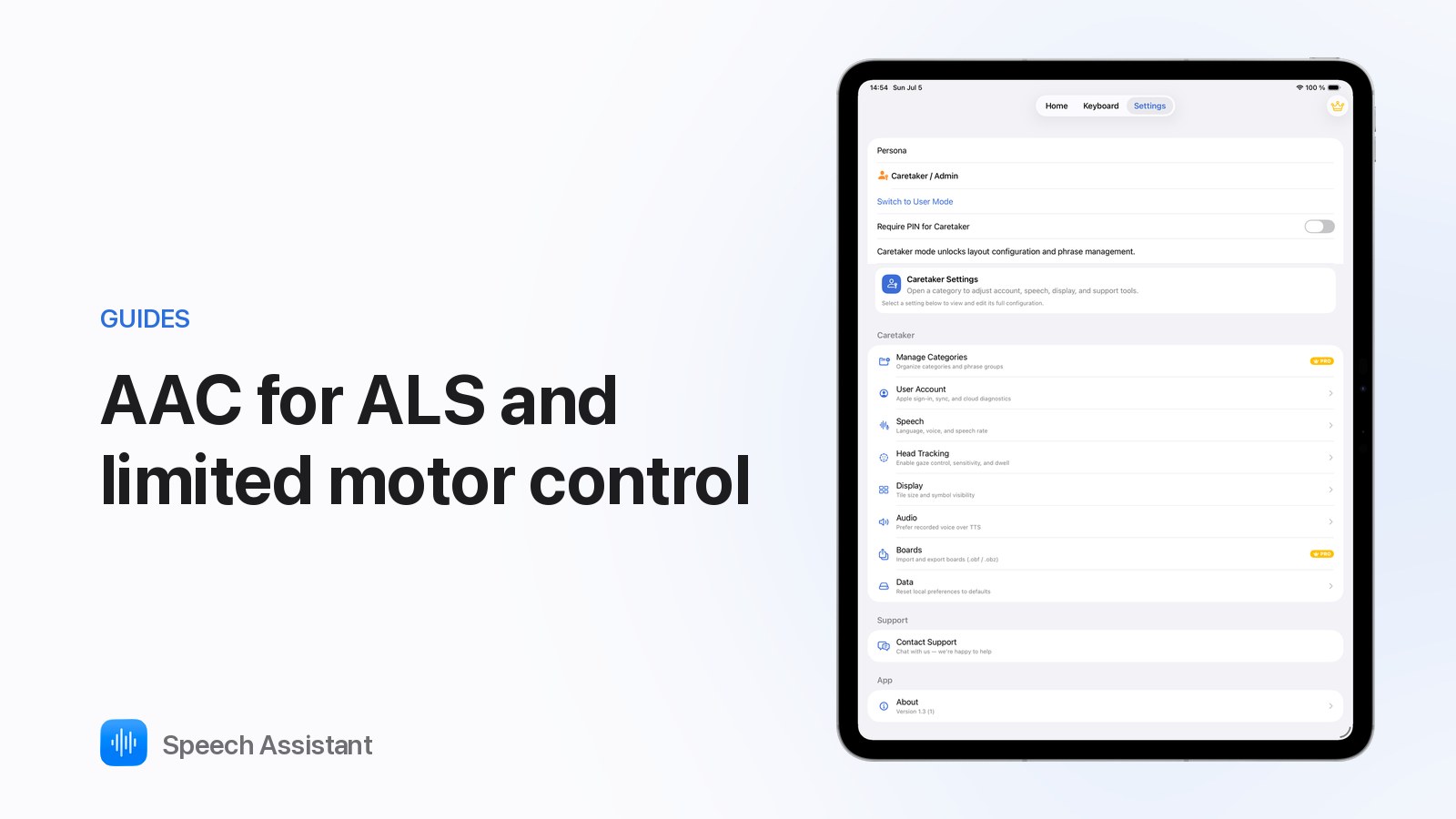
AAC app for ALS and limited motor control: what to look for in Speech Assistant
The Speech Assistant Team
October 2026 · 2 min read
An AAC app for ALS/MND has to keep working as speech and movement change. Speech Assistant - AAC Pad covers typing, quick phrases, your own voice and hands-free access in one free app for iPhone and iPad.
What to look for
Fast typing with prediction: most people with ALS can still read and spell.
Saved phrases for the things you say every day.
Your own voice: bank it early.
Access that adapts: touch now, head movement later.
Works offline and on the devices you already own.
How Speech Assistant covers it
Keyboard: word prediction learns your words; Show makes the message large.
Phrase boards: one tap for "I need help", "I'm thirsty", "Please wait".
Personal Voice: record it in iOS Settings while you can still speak; Speech Assistant uses it offline. Settings ▸ Speech ▸ Voice.
Head tracking: point with your head, hold still to select. Free. How it works.
Listening Mode: suggests short replies when someone asks you a question.
Apple Watch: your phrases on your wrist.
Set up early
Bank your Personal Voice now.
Save your most-used phrases while typing is easy.
Try head tracking before you need it.
Speech Assistant is a communication tool, not a medical device. An AAC or speech-language therapy service can assess what suits you.
Questions people ask
Can I use Speech Assistant without touching the screen?
Yes. Head tracking uses the TrueDepth front camera: move your head to point, hold still to select. It's free.
Can it speak in my own voice?
Yes, with Apple's Personal Voice (iOS 17+), which you record on your iPhone while you can still speak. You can also record phrases yourself (Premium).
Does it work when my speech changes over time?
Yes. Start with typing and saved phrases; switch to head tracking when hand movement gets harder. Your boards stay the same.