Guides
Communication boards for adults: a simple guide from Speech Assistant

The Speech Assistant Team
October 2026 · 2 min read
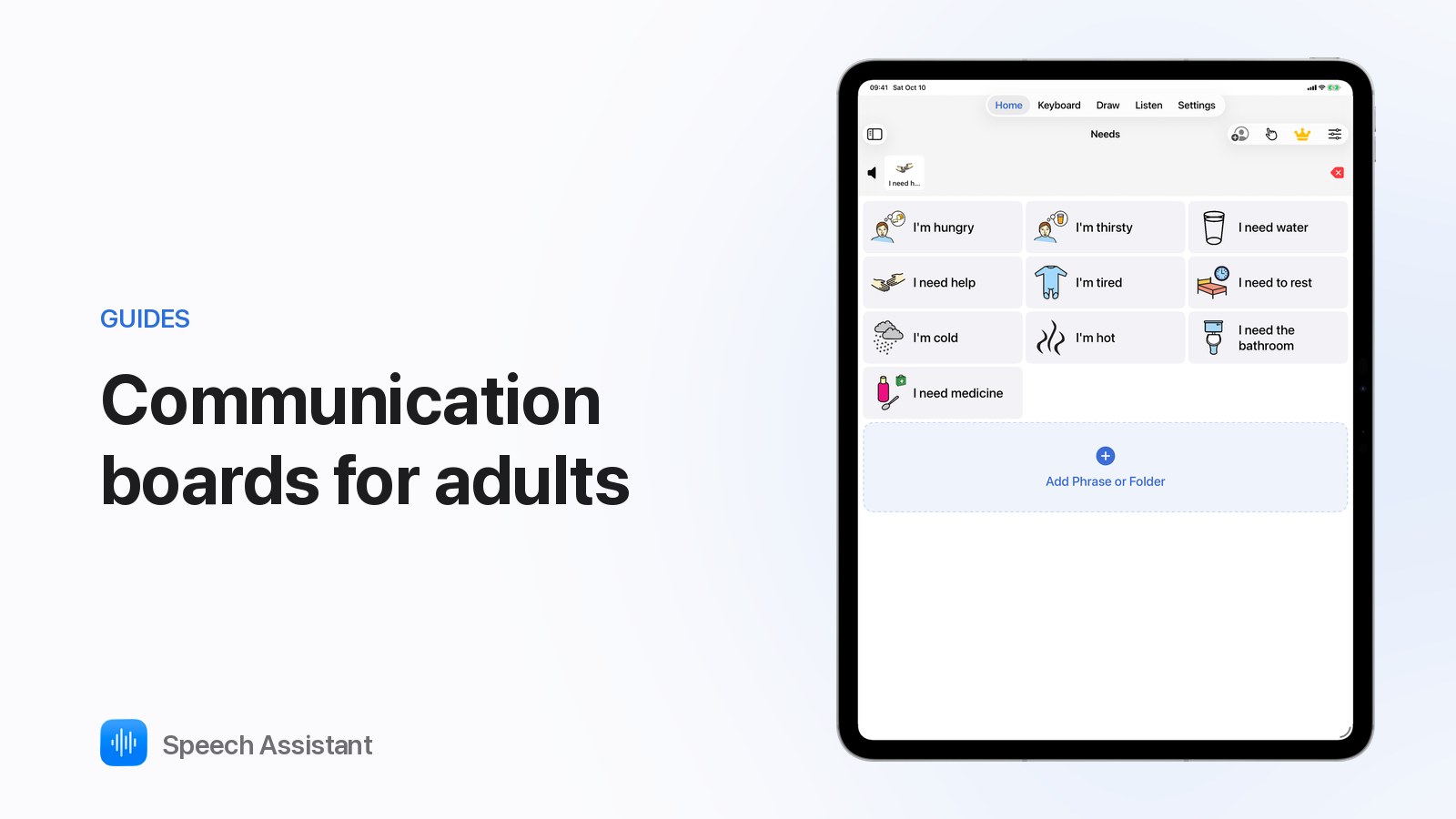
A communication board lets an adult point to what they want to say when speech is hard or impossible: after a stroke, with ALS/MND, in hospital or after surgery.

Speech Assistant - AAC Pad is a free communication board app for iPhone, iPad and Apple Watch:
More: AAC for aphasia after a stroke and AAC for ALS.
Speech Assistant is a communication tool, not a medical device.
A sheet or screen of words, pictures or letters that a person points to in order to communicate. An app version can also speak each choice aloud.
People after a stroke (aphasia), with ALS/MND, on a ventilator or after mouth or throat surgery, and people with dementia or a learning disability.
Both are useful. Paper never runs out of battery; an app speaks aloud, has more words and can be personalised.
