AAC app for aphasia after a stroke: how Speech Assistant helps
The Speech Assistant Team
October 2026 · 2 min read
After a stroke, aphasia can make words hard to find, say, read or write. Speech Assistant - AAC Pad gives ready-made ways to communicate on iPhone and iPad, so a conversation doesn't depend on finding every word.
What helps most?
Ready-made phrases with pictures: "I'm tired", "I need help", "Please wait".
One tap to speak, so nothing has to be built word by word.
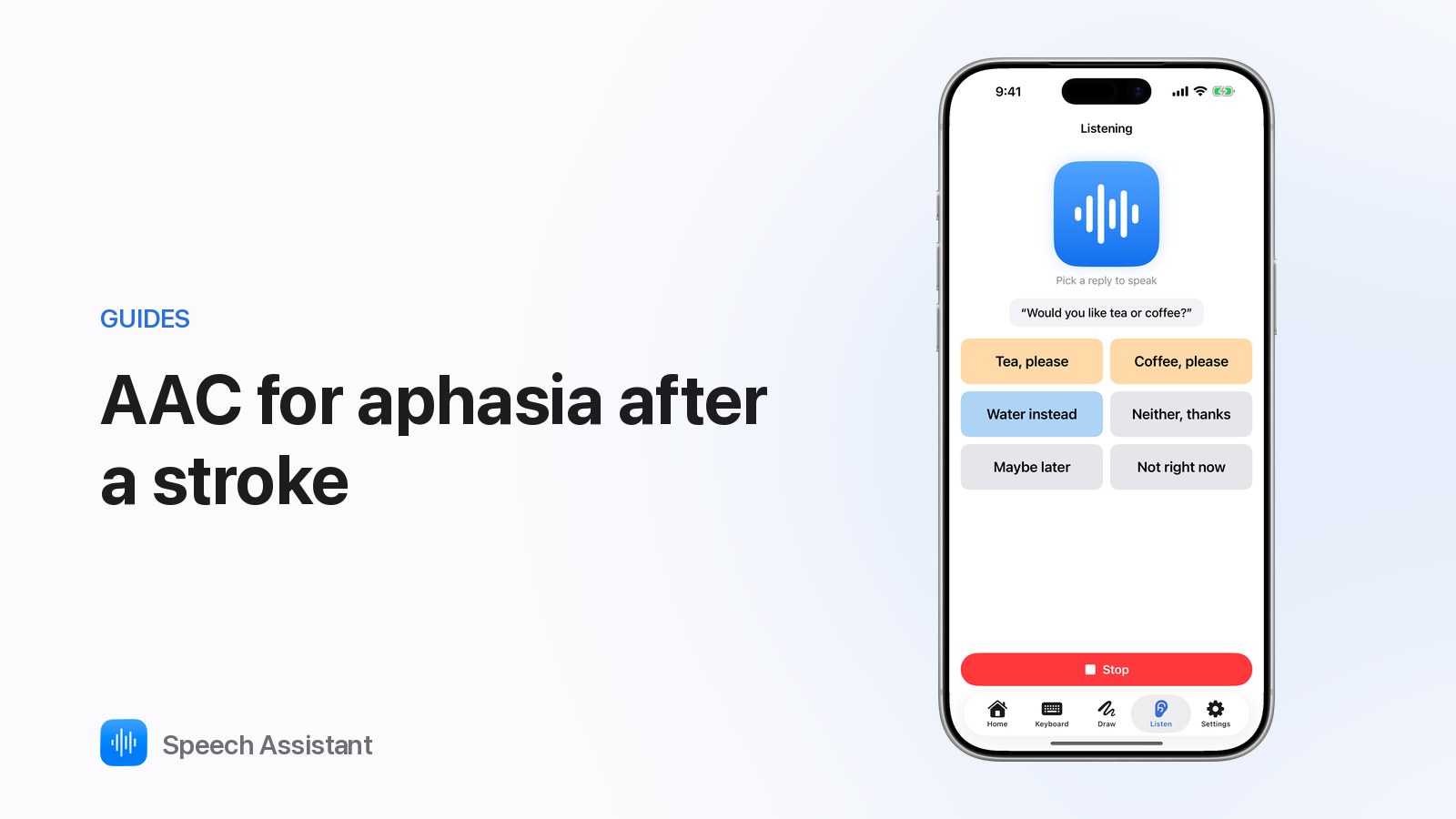
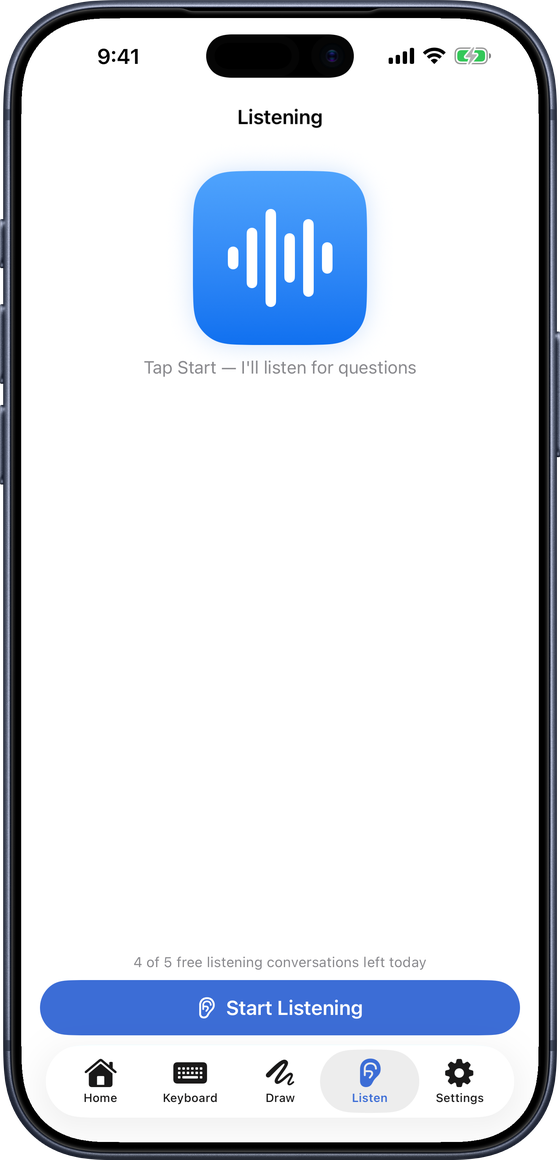
Listening Mode: when someone asks a question, short replies appear to tap.
Keyboard with prediction for people who can still spell.
Show: put a message full screen.
Read Aloud: hear a letter or page read with each word highlighted.
Setting it up
Open the app and Continue as Guest.
Use Needs, Feelings and Questions first.
Long-press frequent phrases ▸ Add to Favorites.
Add names, places and routines as phrases (Premium).
For the conversation partner
Ask yes/no questions, or questions with a few clear options.
Give time; don't finish their sentences.
Point to the board while you talk.
Speech Assistant is a communication tool, not a medical device. Work with the person's speech and language therapist.
Questions people ask
Can an AAC app help with aphasia?
Often, yes, alongside speech and language therapy. Ready-made phrases and pictures can be quicker than finding each word.
Is it hard to set up?
No. Starter boards are ready on first launch. A family member or therapist can add personal phrases later (Premium).
Will it replace therapy?
No. It's a communication tool. Use it with the person's speech and language therapist.