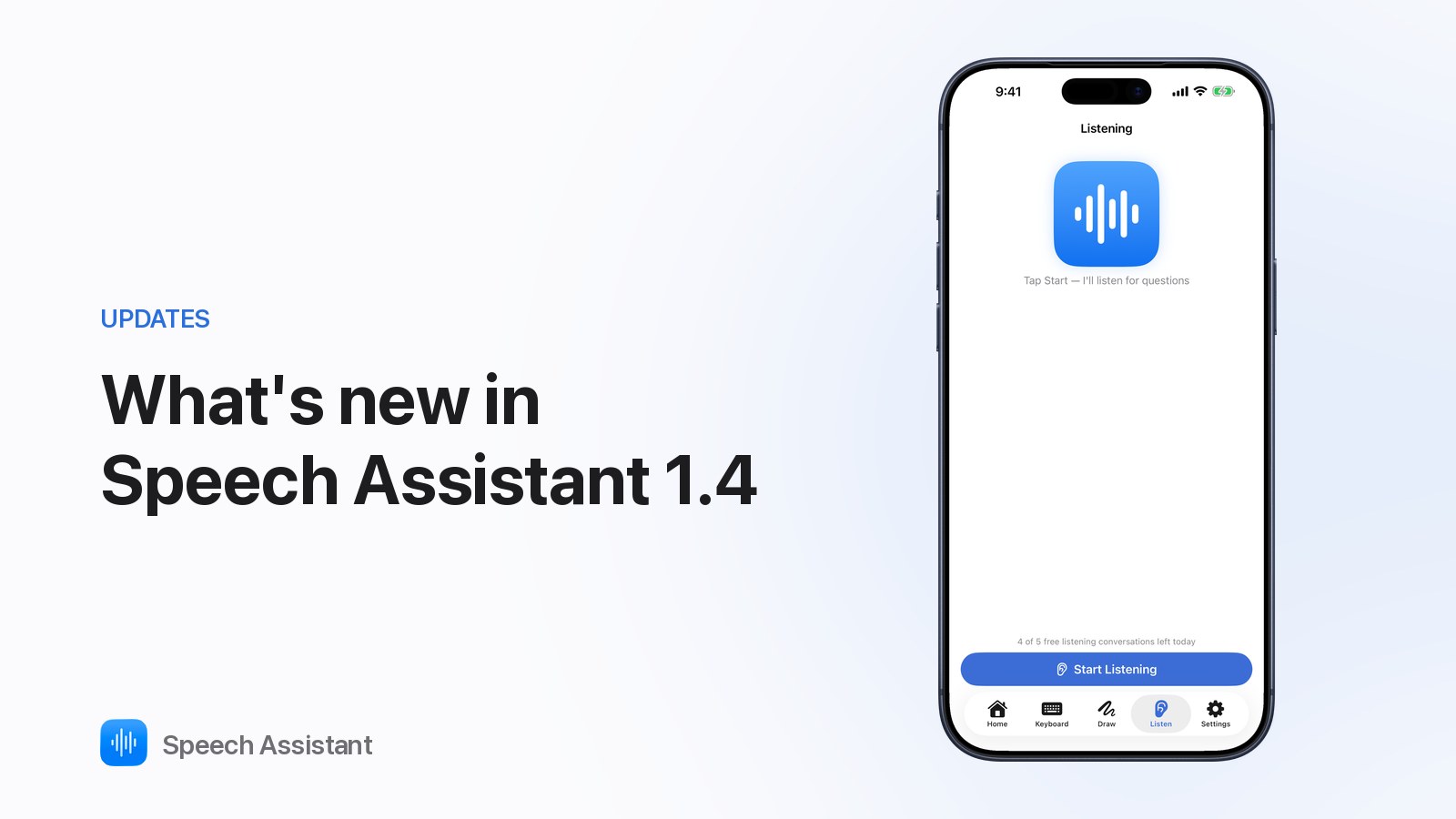
Speech Assistant 1.4 adds Listening Mode, a Draw tab, Personal Voice, natural voices and a large symbol library.
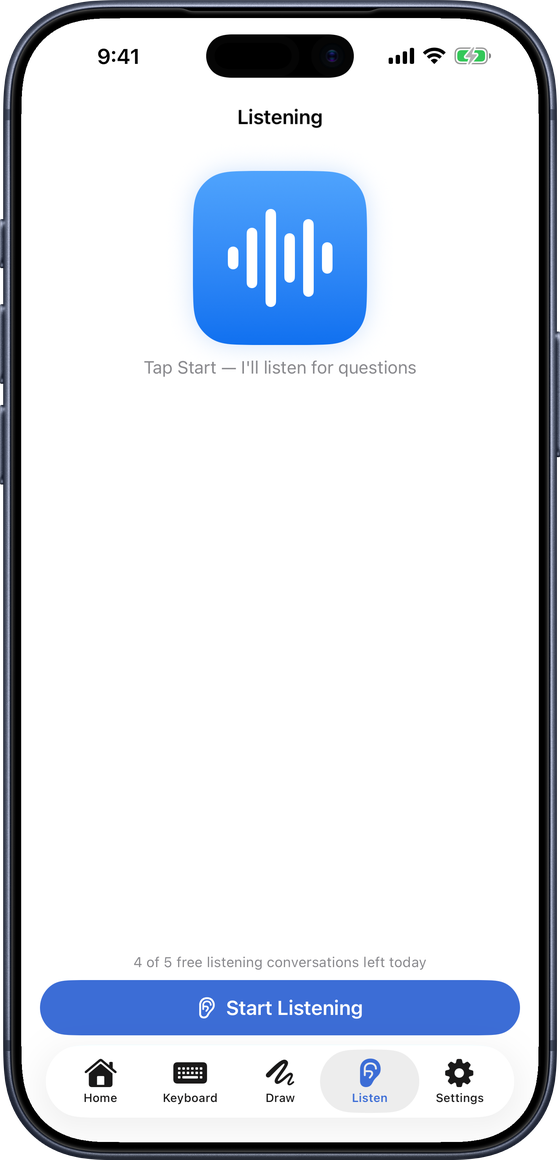
Listening Mode
- Listen tab ▸ Start Listening.
- When someone asks a question, short replies appear. Tap one to speak it.
- Speech is transcribed on the device; audio never leaves it.
- Free: five conversations a day.
Draw
- A whiteboard for what's not on the board.
- Show turns it to face the person opposite. Free. (How to use it)
Voices
- Personal Voice: Settings ▸ Speech ▸ Voice ▸ Enable Personal Voice (iOS 17+). Private, works offline.
- Natural voices (Premium): natural-sounding audio for your board's phrases.
- Prefer Saved Audio: plays recordings and natural-voice audio when a phrase has them.
Symbols and boards
- OpenMoji symbols added to the library.
- Core Words coloured by word type (modified Fitzgerald Key).
- Denser grids fit more tiles.
Small things
- Rate Speech Assistant row in Settings.
- PRO badges mark Premium features.
Questions people ask
How do I get 1.4?
Update Speech Assistant - AAC Pad from the App Store. Boards and settings carry over.
Is Listening Mode free?
Yes, five conversations a day. Premium removes the limit.
Does Listening Mode record conversations?
No. Speech is transcribed on the device; only the question's text is sent to suggest replies, and it isn't stored.