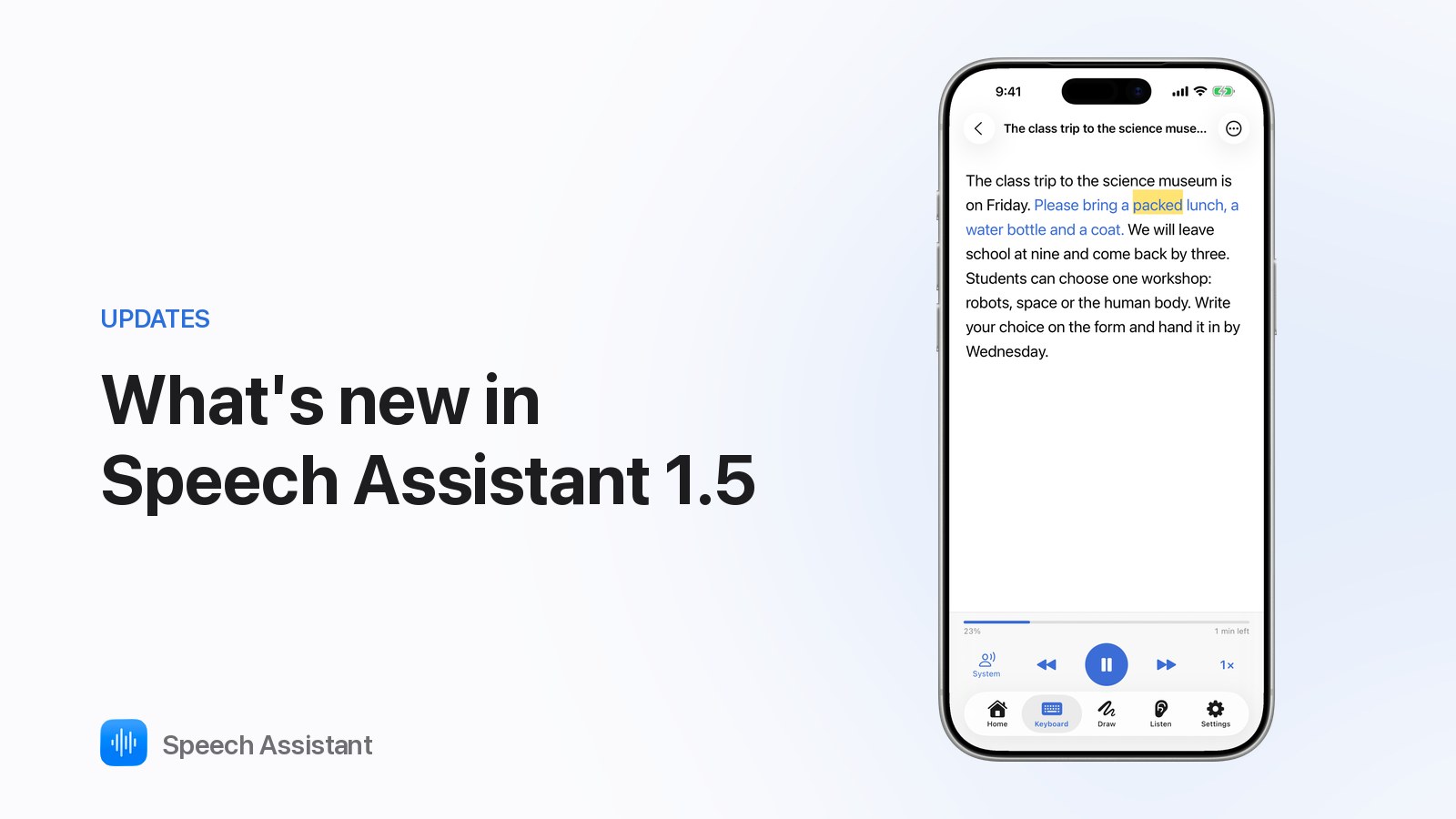
Speech Assistant 1.5 adds Read Aloud, speech therapy tools, a keyboard that learns, full-screen messages and three new languages.
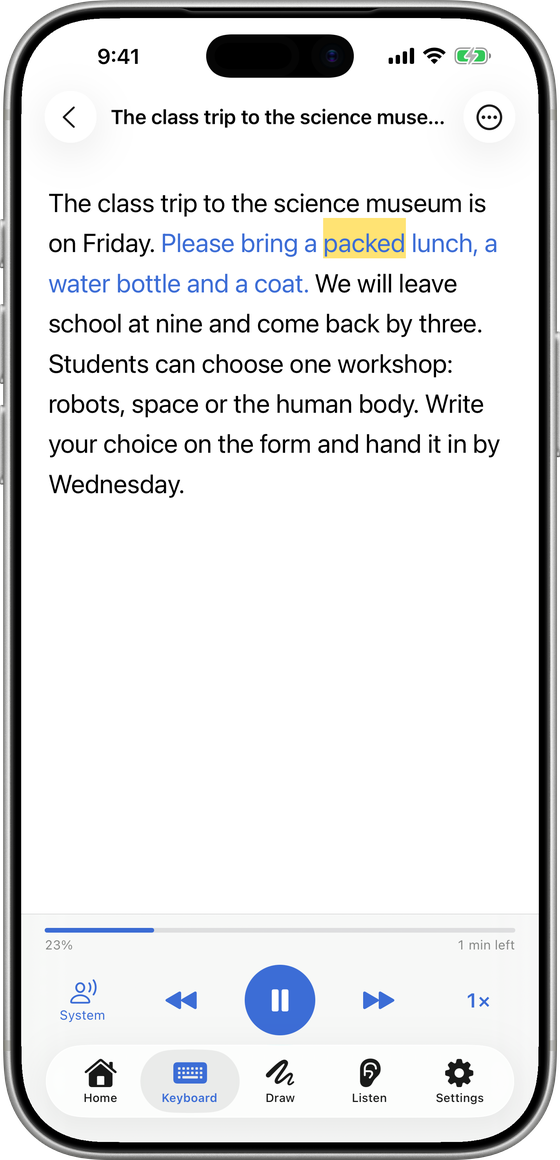
Read Aloud
- Keyboard tab ▸ Read.
- Add text by scanning a page, a photo, a PDF or file, pasting or typing.
- Play it with each word highlighted. Change speed; tap a word to jump there.
- Free: one text. Premium: unlimited texts and natural voices.
A keyboard that learns
- Word prediction learns your own words.
- Suggested now: a row of phrases you usually use at this time of day. It never moves your tiles. Turn it off in Settings ▸ Display.
- Both learn on your device only.
Show your message
- Type, then tap Show: your message fills the screen in large type.
- Buttons to get attention, speak it, or flip it to face the other person.
Speech therapy tools (Premium)
- Settings ▸ Therapy.
- Target words: up to eight, outlined on the board.
- Modeling mode: your taps aren't counted as the user's.
- Progress report: a one-page PDF of the last four weeks.
Languages
- The app, starter boards and Listening Mode in Español, Français and Deutsch.
Also
- Choose your natural voice from Home.
- Delete Account in Settings ▸ User Account.
- Better Listening Mode, sync fixes and design polish.
Questions people ask
Is Read Aloud free?
One text is free with the iPhone's voices. Premium keeps unlimited texts and adds natural voices.
Are the therapy tools free?
No. Target words, modeling mode and the progress report are part of Premium.
Does word prediction send what I type anywhere?
No. Prediction and suggestions learn on your device only.